Extensions
Extensions are the main schema-driven customization system in SVRunner. They let admins and integrators add custom data, UI, validation, rules, and filters to assets and asset blocks.
What An Extension Can Do
An extension can define:
- custom fields attached to assets or asset blocks
- default values
- validation rules
- file validation requirements
- dashboard filters
- sequence filterable fields for dynamic programming
- custom descriptions and UI hints
In many deployments, extensions are the difference between a generic media system and a project-specific operational platform.
Extension Types
The current UI supports at least:
- Asset extensions
- Asset Block extensions
Choose the type based on where the custom behavior should live.
Core Extension Fields
Name
Use a stable, descriptive name.
Description
Describe what the extension is for and who is expected to use it.
Base ID
Use the base ID consistently if your deployment relies on known extension identifiers across environments or tooling.
Schema
The schema defines the actual extension structure.
The previous docs show a pattern where the top-level extension property is an object that contains its custom properties.
Common field capabilities include:
stringnumberbooleanarrayenum- nested
object $refto shared definitionsdefaultvalues
UI And Schema Conventions
The existing extension model supports a number of UI-oriented schema conventions, including:
ui:widgetui:hiddenui:sequenceFilterableui:fieldDescriptionui:thumbnailui:labelPrefix
Conditional UI behavior can also be expressed through schema composition such as allOf with if/then logic.
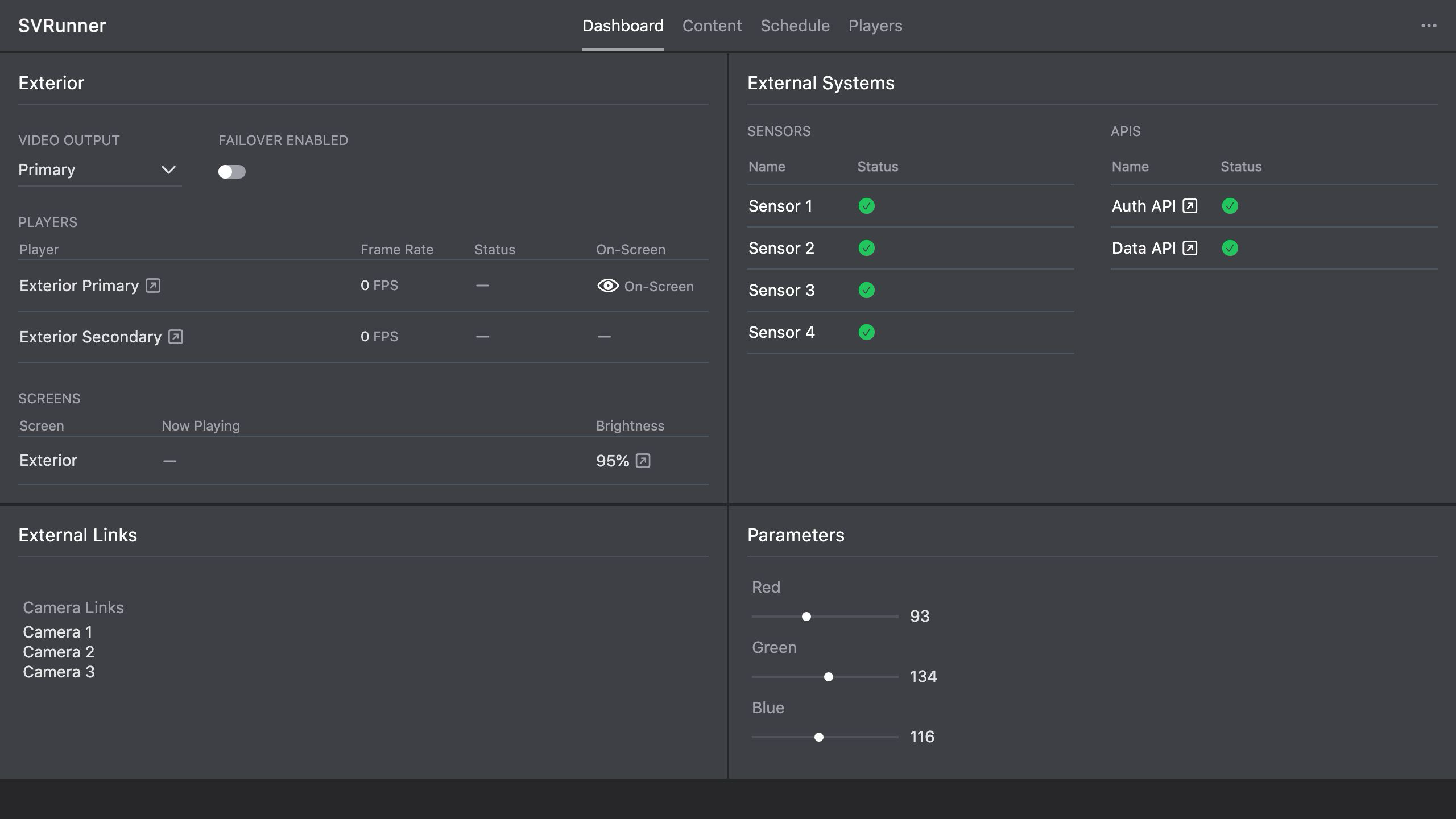 Stub screenshot: extension sidebar showing name, type, base ID, schema editor, and at least one rules or filters section. Save final image at
 packages/docs/screenshots/app-extension-sidebar.png.
Rules And Filters
Extensions can define:
- rules
- filters
Filters can appear on the dashboard and support project-specific operational workflows.
This is one reason extensions should be treated as part of the product architecture, not just metadata decoration.
File Validation
Extensions can also participate in file validation behavior.
Use this when:
- only certain file types should be accepted
- file structure or media characteristics matter
- operators need guardrails during upload
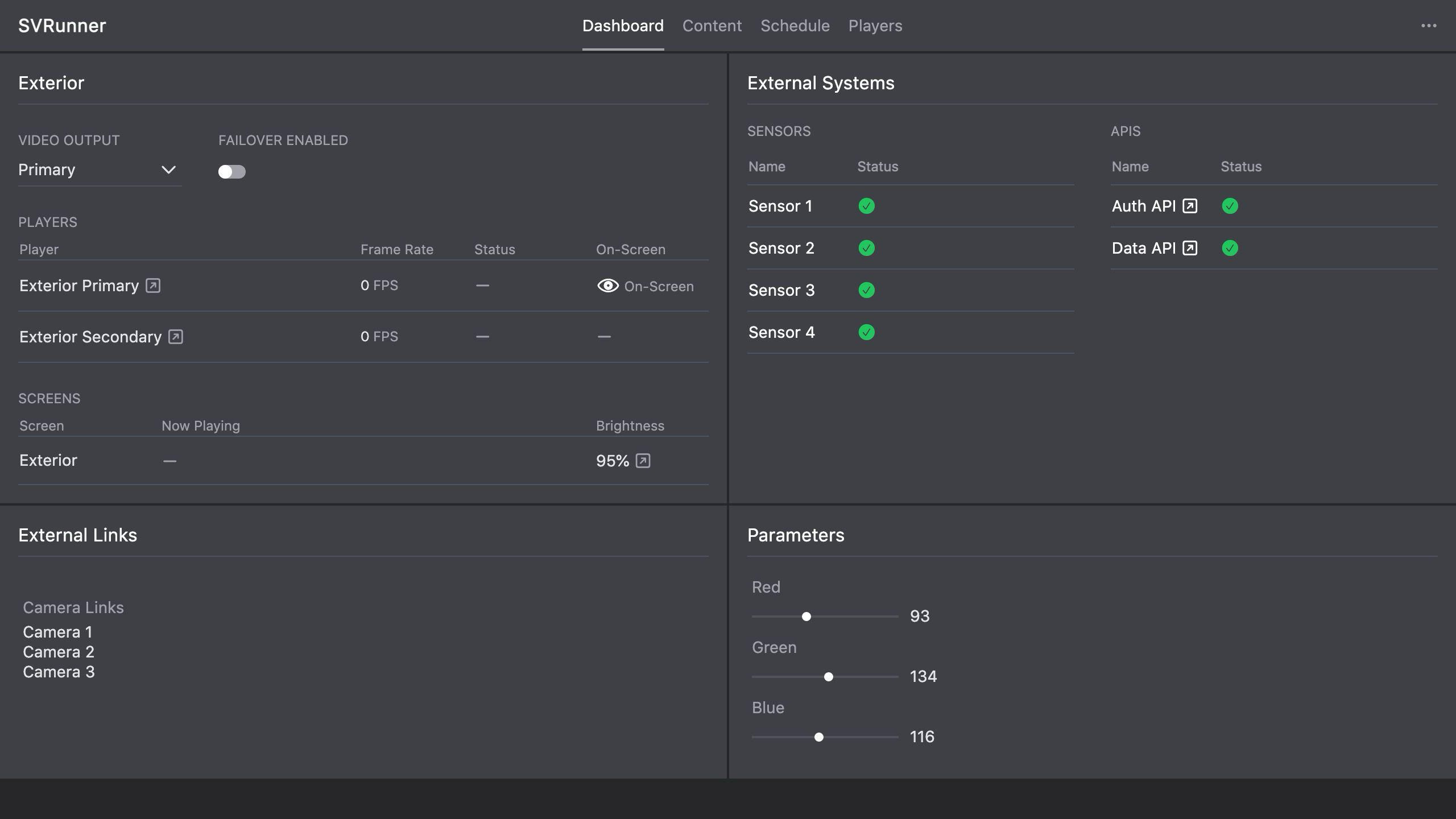 Stub screenshot: asset or asset block using extension-defined fields so readers can see how schema work appears in the operator-facing UI. Save final image at
 packages/docs/screenshots/app-extension-driven-asset-fields.png.
Operational Guidance
Treat Extensions As Product Features
If an extension changes what operators must enter, how assets are filtered, or what appears on the dashboard, that extension is part of the product and should be documented like one.
Keep Schemas Understandable
Complex schemas are powerful, but hard-to-understand schemas create training and maintenance issues.
Prefer:
- clear field names
- useful descriptions
- defaults where possible
- limited hidden logic unless truly necessary
Test Before Rolling Out Widely
Changes to schemas, filters, and file validation can affect:
- asset creation
- asset editing
- event workflows
- dashboard filters
- integration logic
Validate extension changes in a controlled environment before relying on them operationally.