Core Concepts
This page defines the core terms used throughout SVRunner. If you are new to the system, read this page before working through installation, scheduling, or day-to-day operations.
Content And Scheduling
Asset
An asset is an individual media item or data-backed item used for playback. In most installations this means a video or image file uploaded through the web application.
- Assets are the smallest unit of scheduled content
- Assets can carry metadata such as name, duration, tags, and extension-defined fields
- Assets are reused across multiple events and schedules
See Assets.
Asset Block
An asset block is an ordered group of assets treated as a reusable unit.
- Use asset blocks when a sequence of assets should stay grouped together
- Asset blocks can be reused across multiple events
- Playback behavior still depends on the event and sequence where the asset block is used
See Asset Blocks.
Tag
A tag is a label used to organize and locate assets.
- Tags help operators filter and manage large content libraries
- Tags are useful for grouping assets by campaign, client, location, or operational purpose
- Tags do not schedule playback by themselves
See Tags.
Event
An event is a scheduled container for assets and asset blocks.
- Events determine when content is eligible to play
- Events can target one or more screens through sequences
- Events can be published or unpublished
- Events have an occurrence type that affects how they participate in playlist generation
See Events.
Sequence
A sequence is the list of items assigned to one screen within an event.
- Each sequence belongs to a single event
- Each sequence is associated with a screen
- A sequence can contain assets and asset blocks
- Sequence behavior influences how content is distributed or preserved during playlist generation
Sequences are documented in context on the Events page.
Playlist
A playlist is the generated playback result for a screen.
- Operators edit events, not playlists directly
- SVRunner generates playlists from the currently active, published events
- Preview is used to inspect a generated playlist before relying on it in production
See Preview and Request And Playback Flow.
Playback Topology
Player
A player is the runtime system responsible for driving playback.
- A player reports health and operational status to SVRunner
- A player is typically associated with one or more outputs or display responsibilities
- Player health affects operations, troubleshooting, and failover decisions
See Players.
Screen
A screen is the scheduling target for content.
- Events schedule content to screens through sequences
- Each screen receives its own generated playlist
- Screen settings can affect mapping, crossfade, and display behavior
See Screens.
Canvas
A canvas is a display container that groups outputs and related screen behavior.
- Canvases are useful where multiple outputs or playback paths belong to one display context
- Canvas configuration is important for routing, redundancy, and operational topology
See Canvases And Outputs.
Output
An output is a playback path associated with a canvas or player.
- Outputs matter most when configuring failover or redundant playback paths
- The active output may change based on health or operator action
See Canvases And Outputs.
Layout
A layout defines how content is composed visually.
- Layouts control how layers are arranged for playback
- Layout changes can affect how a screen or canvas presents content
See Layouts.
Operational Features
Quick Play
Quick Play is an override mode used to play selected content immediately.
- Quick Play bypasses normal scheduled playback for the targeted screens
- It is useful for urgent overrides, tests, or temporary programming
- It should be used carefully because it intentionally interrupts scheduled behavior
See Quick Play.
Action
An action is a scheduled or operator-visible automation item.
- Actions can affect screens, canvases, or related systems
- Not all actions are about media playback; some are operational controls
See Actions.
Extension
An extension adds schema-driven customization to content or workflows.
- Extensions can add custom fields, rules, validation, and dashboard-facing behavior
- Extensions are important when an installation needs project-specific metadata or custom logic
See Extensions.
System
A system is an external or supporting integration monitored by SVRunner.
- Systems may expose status and restart controls
- Operators should treat degraded systems as operational dependencies that can affect playback or automation
See Systems.
Practical Mental Model
For most operators, the simplest way to think about SVRunner is:
- Upload and organize assets.
- Group assets into asset blocks when needed.
- Place assets and asset blocks into event sequences.
- Assign those sequences to screens.
- Let SVRunner generate a playlist for each screen.
- Use preview, dashboard, and logs to verify the result.
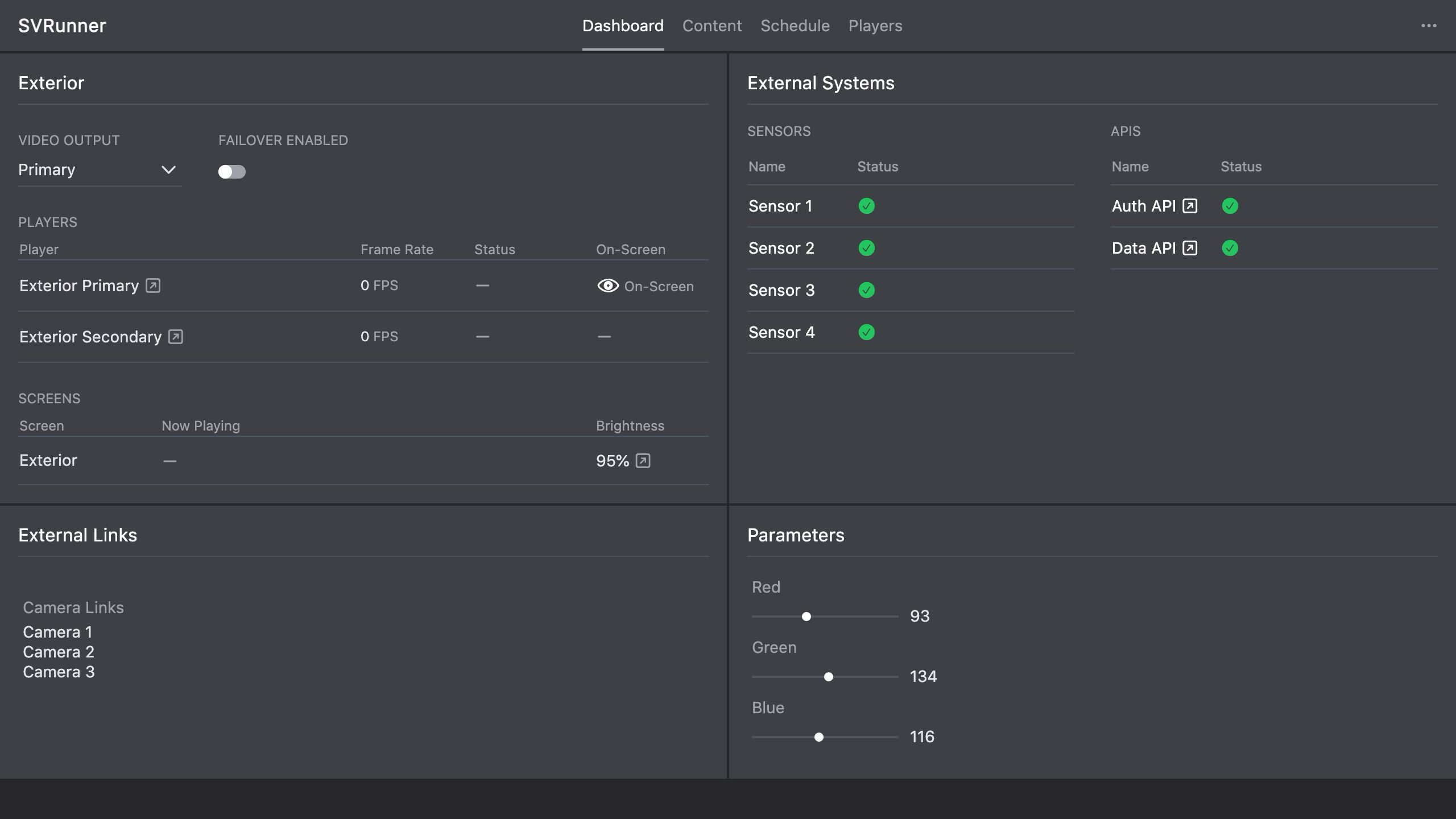 Stub screenshot: diagram showing the relationship between
 asset -> asset block -> event -> sequence -> screen -> playlist. Save final image at packages/docs/screenshots/overview-core-concepts-flow.png.