API Overview
SVRunner exposes a GraphQL API for automation, integrations, and deeper technical workflows. The web application itself uses this API, so integrators are working against the same core application surface used by operators and admins.
Who This Section Is For
This section is intended for:
- developers building custom integrations
- technical administrators automating operational tasks
- engineers troubleshooting data or schedule behavior
- teams that need direct access beyond the web interface
Operators who only use the web application can usually skip this section.
API Style
SVRunner uses a GraphQL-first API model.
- primary HTTP endpoint:
/graphql - subscription endpoint:
ws://<host>:<port>/graphql - introspection is enabled
- file uploads are handled through GraphQL multipart upload, not a separate REST upload endpoint
The server also exposes non-API routes for other runtime concerns:
/for the web application/staticfor served asset files/previewfor the preview player/docsfor the documentation site
Authentication Model
API authentication is session-based.
- clients obtain a session token through the login flow
- authenticated requests send that raw session token in the
Authorizationheader - the token is not wrapped in a
Bearerprefix in the current client implementation
See API Authentication.
What The API Covers
The API spans nearly every major product domain, including:
- assets and asset blocks
- tags and extensions
- events, sequences, and schedule preview
- players, screens, targets, outputs, and layouts
- users, licenses, systems, and logs
- project-level features such as Quick Play
For most operators, these are UI features. For integrators, these are GraphQL object types, queries, mutations, and subscriptions.
Common Integration Use Cases
Typical uses of the API include:
- logging in and managing sessions
- uploading and updating assets
- querying schedule data for a screen and time
- enabling or disabling Quick Play
- reading player, screen, and system state
- exporting or analyzing log data
Uploads And Media
Asset-related workflows can involve file uploads.
- uploads use GraphQL multipart transport
- the API includes an
Uploadscalar - asset creation and update flows can accept a file directly
See Uploads.
Realtime Behavior
SVRunner includes subscription support for some realtime updates.
That said, subscription auth handling should be evaluated carefully in your deployment and version, because the current client and server setup do not obviously pass auth in websocket connection parameters.
If reliable realtime auth is a requirement, validate it directly rather than assuming HTTP auth behavior automatically carries over.
See Subscriptions.
How The API Relates To The Web Application
The web UI is a consumer of the same GraphQL backend.
This is useful because:
- UI workflows can often be translated into API workflows
- fields visible in the UI usually correspond to GraphQL resource data
- preview, Quick Play, and scheduling behavior can be reasoned about using both UI and API documentation together
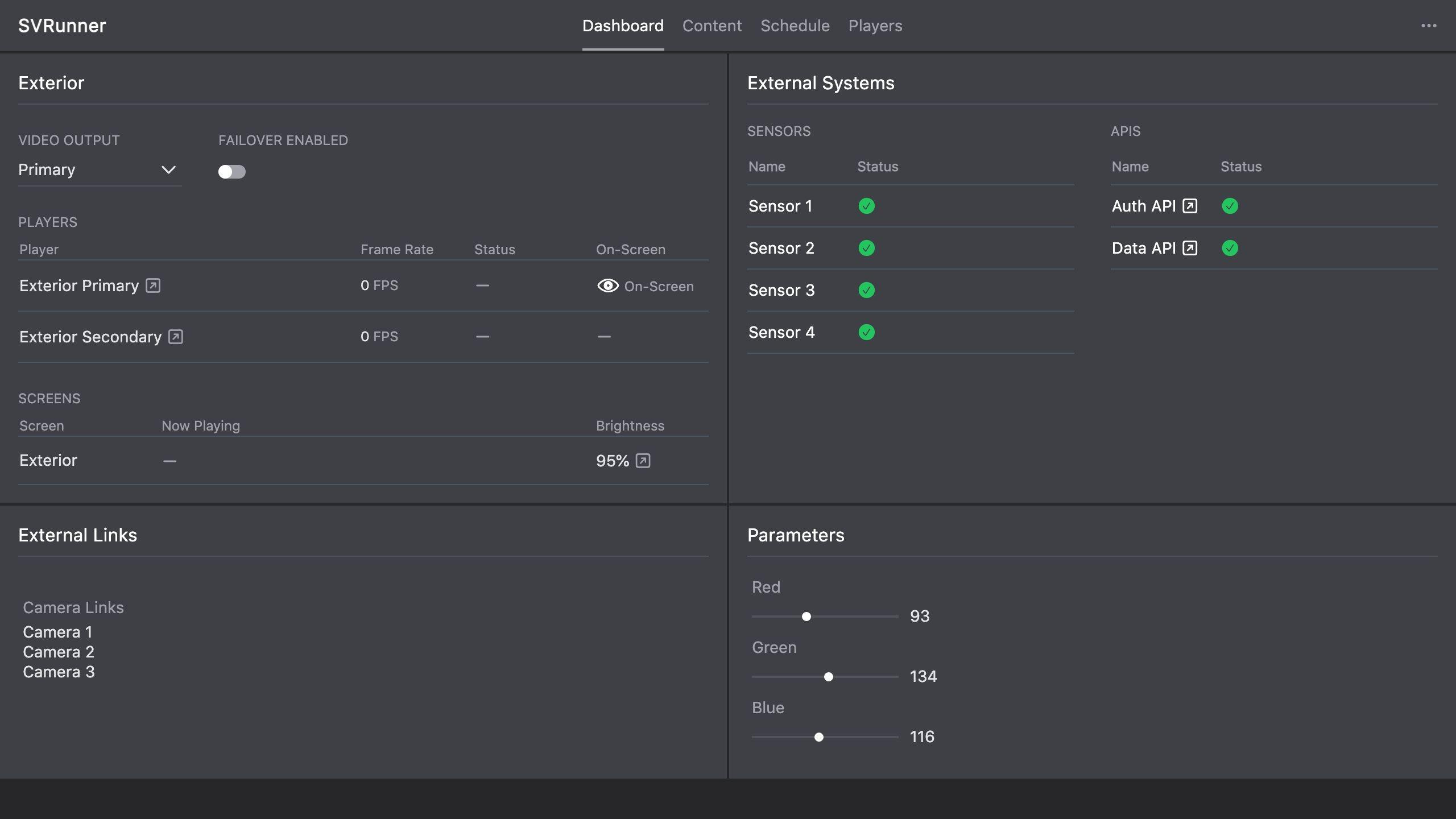 Stub screenshot: built-in API route opened in a browser and a simple authenticated GraphQL request in a preferred client. Save final image at
 packages/docs/screenshots/api-overview-browser-client.png.
Recommended Reading Order
If you are new to the SVRunner API, read these pages in order: