System Components
SVRunner is a multi-part system rather than a single UI. This page describes the major runtime pieces in the current repo and how they fit together in a deployment.
Core Components
The current workspace is organized around several major packages:
@svrunner/server@svrunner/client@svrunner/web-player@svrunner/player-relay@svrunner/docs@svrunner/touch-player
Not every deployment uses every package directly, but these are the main system components represented in the repo.
Server
The server is the core runtime component.
It is responsible for:
- serving the GraphQL API
- handling authentication
- serving uploaded static assets
- serving the built web application
- serving the preview player
- serving the documentation site
- managing persistent runtime data such as the database, assets, and logs
In most deployments, the server is the central point operators and integrators talk to.
Web Application
The client package is the main operator and admin interface.
It is responsible for:
- content management
- scheduling workflows
- preview access
- player, screen, and target administration
- logs, licensing, users, systems, and extension configuration
The web app consumes the same GraphQL API exposed by the server.
Web Player / Preview
The web-player package provides the preview-facing playback experience served at /preview.
It helps operators inspect generated playback results without relying only on the live display path.
Player Relay
The player-relay package is a runtime integration component that communicates with the server and helps move or synchronize playback-related state and assets to downstream playback environments.
In operational terms, it sits closer to the playback edge than the main admin web application.
Touch Player
The touch-player package is a specialized playback-side component based on TouchDesigner.
It is part of the broader playback ecosystem for installations that use that runtime.
Documentation Site
The docs package is the Docusaurus documentation site served by the server at /docs.
This allows operational documentation to travel with the deployed application.
How The Pieces Communicate
At a high level:
- browsers use the client UI served by the server
- the client talks to the server through GraphQL over HTTP and sometimes WebSocket
- preview uses the preview route served by the server
- player-side components communicate with the server and consume playback-related state and assets
- the server serves static media through
/static
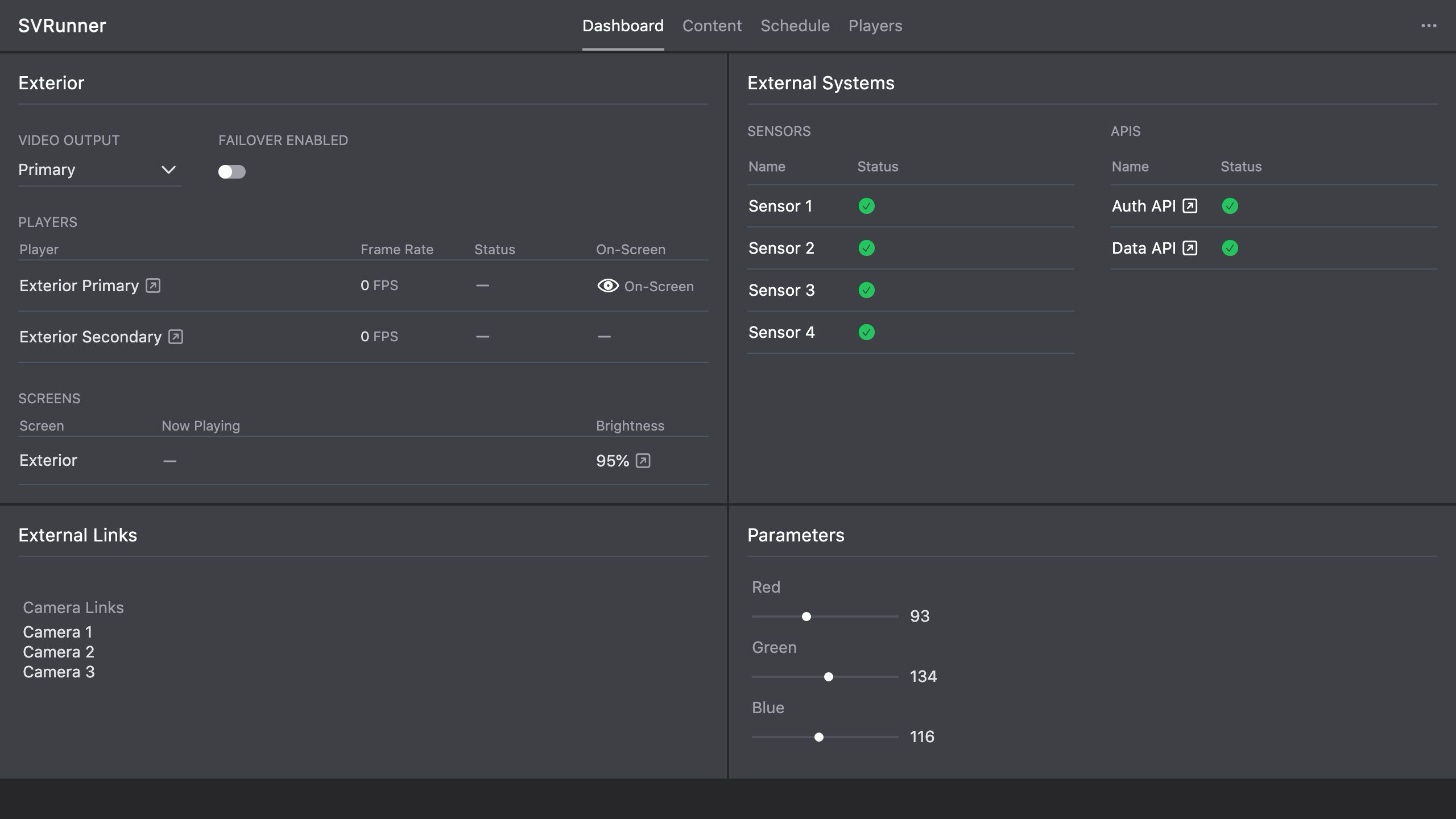 Stub screenshot: component diagram showing
 browser/client -> server -> static/docs/preview/graphql, plus player-side components connected to the server. Save final image at packages/docs/screenshots/architecture-system-components-diagram.png.
Operational Mental Model
The simplest way to think about the system is:
- the server is the control plane
- the web app is the operator/admin interface
- the preview/web-player is the generated-playback inspection interface
- the player-side components are the runtime playback edge