Schema Reference
This page organizes the GraphQL schema by product domain so integrators can find the right resource family without reading the raw schema alphabetically.
Content Resources
These resources handle content creation, organization, and metadata:
AssetAssetBlockTagExtensionFilterPreset- related helper types such as file info and thumbnail types
Typical operations in this domain include:
- create/update/delete assets and asset blocks
- tag assignment and lookup
- extension-driven metadata and filters
- file upload and processing
Scheduling Resources
These resources handle scheduling and generated playback logic:
EventSequenceDateRangeScheduleSchedulePreviewAction- Quick Play and project-level schedule state
Typical operations in this domain include:
- event creation and update
- schedule preview queries
- action scheduling
- realtime schedule or playback-related updates
Playback And Display Resources
These resources define runtime playback topology and visual structure:
PlayerScreenTargetOutputLayoutLayer
Typical operations in this domain include:
- player, screen, and target CRUD
- output switching and failover control
- layout composition
- screen mapping and crossfade changes
Administration Resources
These resources support access, governance, and deployment health:
UserLicenseProjectSystemLog
Typical operations in this domain include:
- login/logout and user management
- license activation and inspection
- project-wide settings such as Quick Play state
- system monitoring and restart
- playback logs and reports
Realtime Resources
The current schema also exposes subscriptions for several domains, including examples such as:
logCreatedquickPlayUpdatedtargetUpdatedsystemUpdated- resource-specific update subscriptions like screen, layout, asset, and event changes
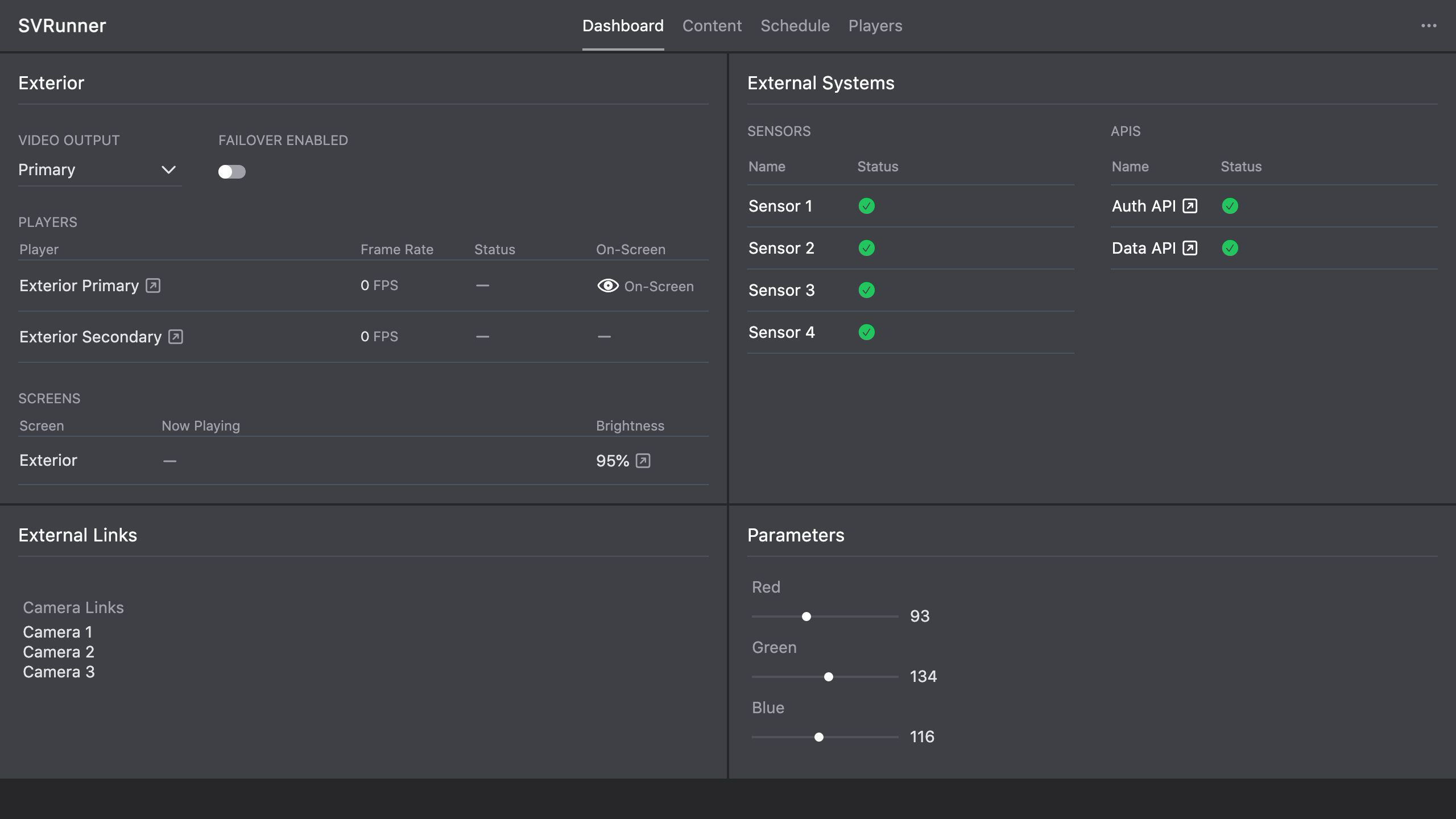 Stub screenshot: diagram grouping the schema into content, scheduling, playback/display, administration, and realtime domains. Save final image at
 packages/docs/screenshots/api-schema-domains-diagram.png.
How To Use This Page
When integrating with the API:
- identify the domain you need
- find the main object types in that domain
- inspect the matching queries, mutations, and subscriptions
- move to the raw schema or generated explorer for exact field signatures