Requirements
This page defines the baseline requirements to plan an SVRunner production deployment. It is intended to help admins prepare the host, storage, network, and operator environment before installation begins.
Server Host Requirements
SVRunner needs a host environment capable of running the packaged server build or the supported Docker deployment.
At a minimum, plan for:
- a supported Node 16-era runtime environment if running from source or local package tooling
- a stable host or VM for the server
- persistent local or mounted storage for runtime data
- enough CPU and memory for the expected asset-processing and operator workload
If using Docker, the host must also support your chosen container runtime and persistent volume strategy.
Persistent Storage Requirements
SVRunner stores important runtime data under its files/ directory by default.
This includes:
- uploaded assets
- logs
- the SQLite database
Plan enough storage for:
- current media library size
- future content growth
- retained logs
- backup snapshots
Do not place this data on ephemeral storage.
Network Requirements
The server must be reachable by:
- operator/admin workstations using the web application
- any player-side or kiosk-side systems that need to communicate with the server
- integrators or automation systems using the GraphQL API, if applicable
At minimum, plan for access to the main HTTP port:
- default host deployment port:
7376 - documented Docker example port:
8080
Firewall And Routing Requirements
Confirm that the network path allows access to:
/for the main web app/graphqlfor the API/staticfor asset delivery/previewfor preview workflows/docsfor documentation
If subscriptions are used, also validate websocket connectivity to /graphql.
Operator Workstation Requirements
Operators need:
- network access to the SVRunner server
- a current browser capable of using the web application reliably
- sufficient network performance for asset upload, preview, and dashboard workflows
If the site works with large media files, operator workstations also need a reasonable upload path to the server.
Player / Kiosk Requirements
If the deployment includes dedicated playback devices, plan for:
- the relevant player runtime or kiosk environment
- stable network access back to the server
- remote support access if required, such as SSH or VNC
- persistent device configuration for player ID, server address, and networking
See Linux Kiosk if you are using the documented kiosk flow.
Administrative Requirements
Before installation, make sure you also have:
- license information or activation path
- naming conventions for players, screens, and targets
- a backup plan
- a deployment ownership model for admins and operators
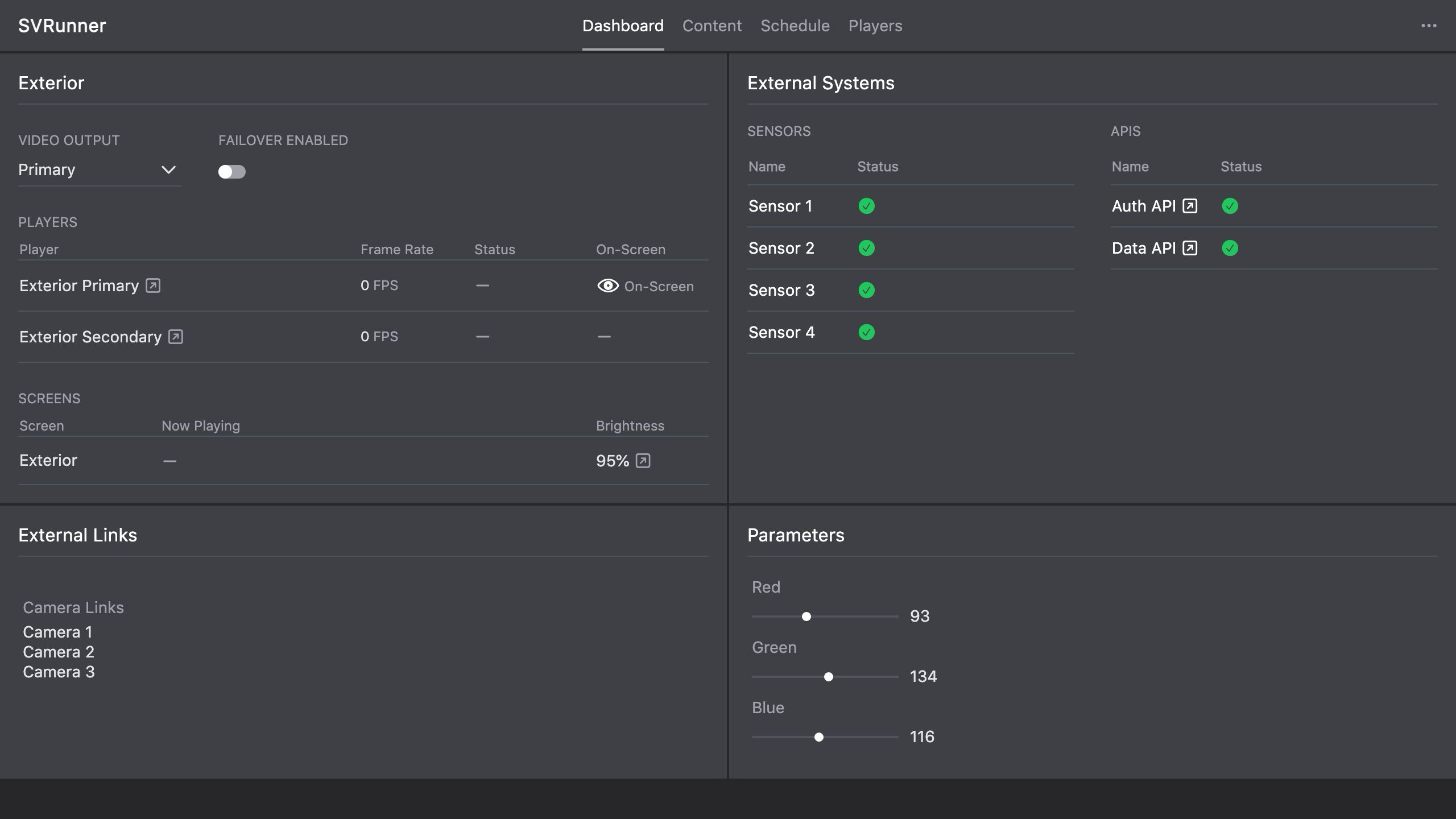 Stub screenshot: deployment checklist, infrastructure sketch, or commissioning worksheet rather than a product UI screenshot. Save final image at
 packages/docs/screenshots/installation-deployment-checklist.png.