Docker
This page documents the container deployment path for SVRunner. Use it when the server should run as a Docker container rather than a direct host installation.
What The Container Includes
The current Docker packaging flow is designed to include the built:
- server
- client
- docs site
- preview player
At runtime, the container starts the server process, which then serves:
- the web app at
/ - GraphQL at
/graphql - static assets at
/static - preview at
/preview - docs at
/docs
Base Runtime Expectations
The existing Docker notes show a container that:
- exposes port
8080 - sets
SVR_SERVER_PORT=8080 - runs
node index.js
This differs from the host-default port 7376, so be explicit in your deployment documentation and port mappings.
Build Flow
The existing Docker packaging notes describe this flow:
- build the packaged application artifacts
- build the Docker image from the repository Dockerfile
The documented local command is:
pnpm run dockerbuild
This flow includes the app packaging step before the actual Docker image build.
Architecture Note
The current Docker notes also call out a platform caveat:
- if building on
linux/arm64/v8, use--platform linux/amd64with the current Docker setup
Example from the existing notes:
turbo run dockerpackage && docker build --platform linux/amd64 . -t <IMAGE_NAME>
Running The Container
The documented local run flow is:
pnpm run dockerrun
At a practical level, your container deployment should include:
- a published HTTP port
- a mounted persistent data directory
- the required environment variables
Persistence Requirements
Do not run SVRunner with fully ephemeral storage.
The following data must survive container restart and redeploy:
- uploaded assets
- logs
- database state
In practice, that means the server's files/ directory should be backed by a persistent volume or bind mount.
At minimum, preserve the container path that holds:
files/assetsfiles/logsfiles/local.db
Environment Variables
The most important container-time settings are:
SVR_SERVER_PORTSVR_SERVER_FILES_DIRif you want to move persistent data outside the default path
You may also need deployment-specific settings related to logging or infrastructure routing.
Suggested Operator/Admin Checklist
- Build or pull the correct image.
- Mount persistent storage for SVRunner data.
- Publish the container port to the expected host or ingress port.
- Set the required environment variables.
- Start the container.
- Confirm the app, docs, and GraphQL routes are reachable.
- Confirm that uploaded data survives a container restart.
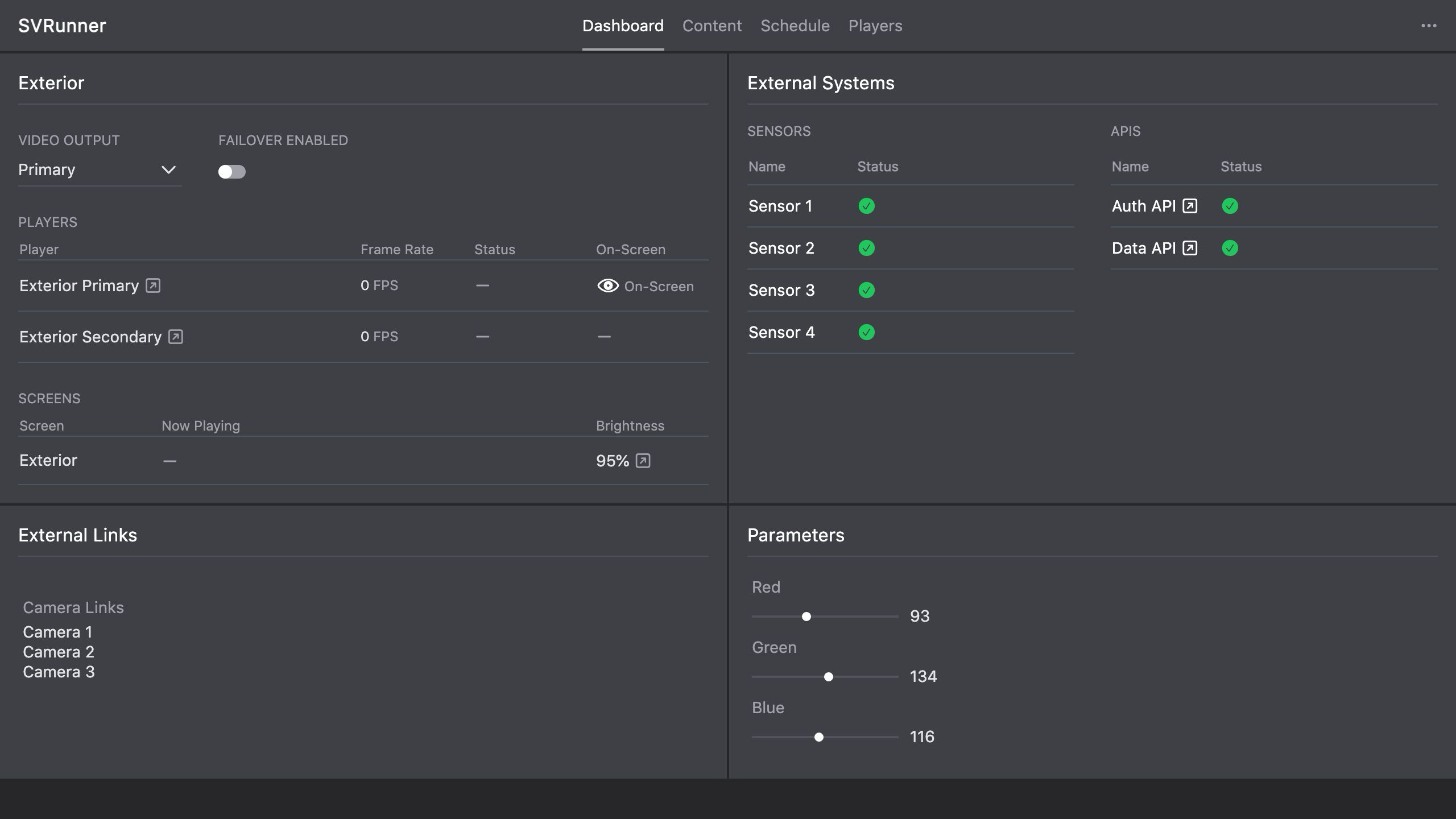 Stub screenshot: container or orchestration view showing the mapped port, mounted persistent storage, and container health/running state. Save final image at
 packages/docs/screenshots/installation-docker-deployment-view.png.
Upgrade Guidance
When upgrading a Docker deployment:
- replace the image
- preserve the mounted data volume
- confirm the new container sees the existing
files/contents - validate the app, docs, GraphQL, and preview routes after startup
Treat the image as replaceable and the data volume as durable.