Roles And Permissions
This page explains the current access model at a practical level. SVRunner currently distinguishes between standard users and admins, with several important areas of the application reserved for admins.
Current Roles
The current user model includes two roles:
useradmin
These roles affect what appears in the UI and which parts of the system a person is expected to manage.
Standard User Responsibilities
Standard users are intended for routine operation.
Typical responsibilities include:
- uploading and organizing assets
- editing schedules and events
- using calendar and preview workflows
- reviewing dashboard health
- checking logs and reports needed for operations
Standard users should not be treated as system administrators.
Admin Responsibilities
Admins are expected to manage both daily workflows and deployment-level configuration.
Typical admin responsibilities include:
- managing users
- managing preferences
- activating and reviewing licensing
- editing extensions
- editing systems and restart-capable integrations
- configuring players, screens, targets, outputs, and failover behavior
- handling upgrades, backup, and recovery
Admin-Only Areas In The UI
The current hidden/admin menu behavior shows these items only to admins:
- Preferences
- Licensing
- Users
- Extensions
- Systems
- API shortcut
If a user is not an admin, these items are filtered out of the menu.
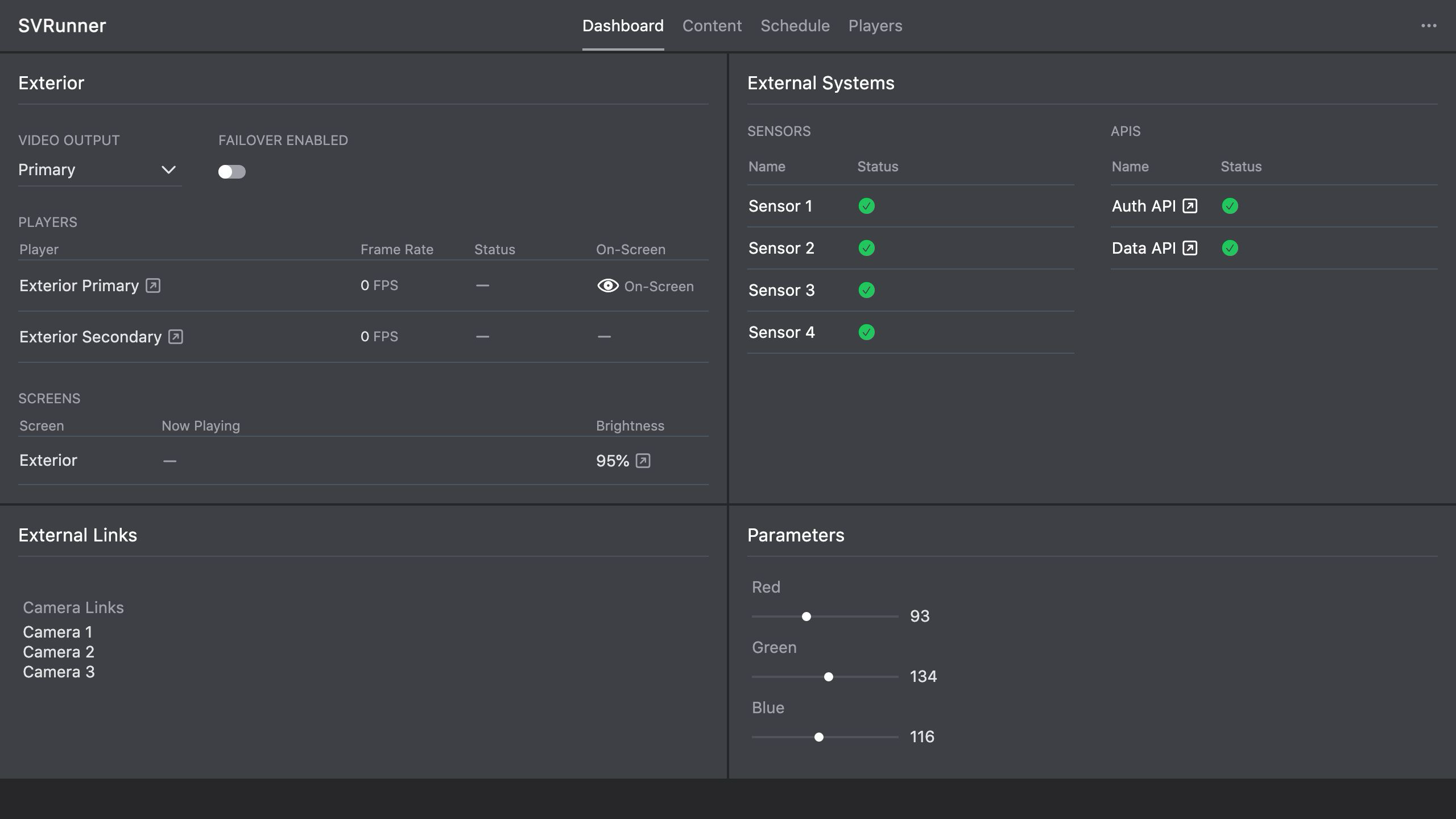 Stub screenshot: admin hidden menu showing Preferences, Licensing, Users, Extensions, Systems, Docs, and API. Save final image at
 packages/docs/screenshots/overview-admin-hidden-menu.png.
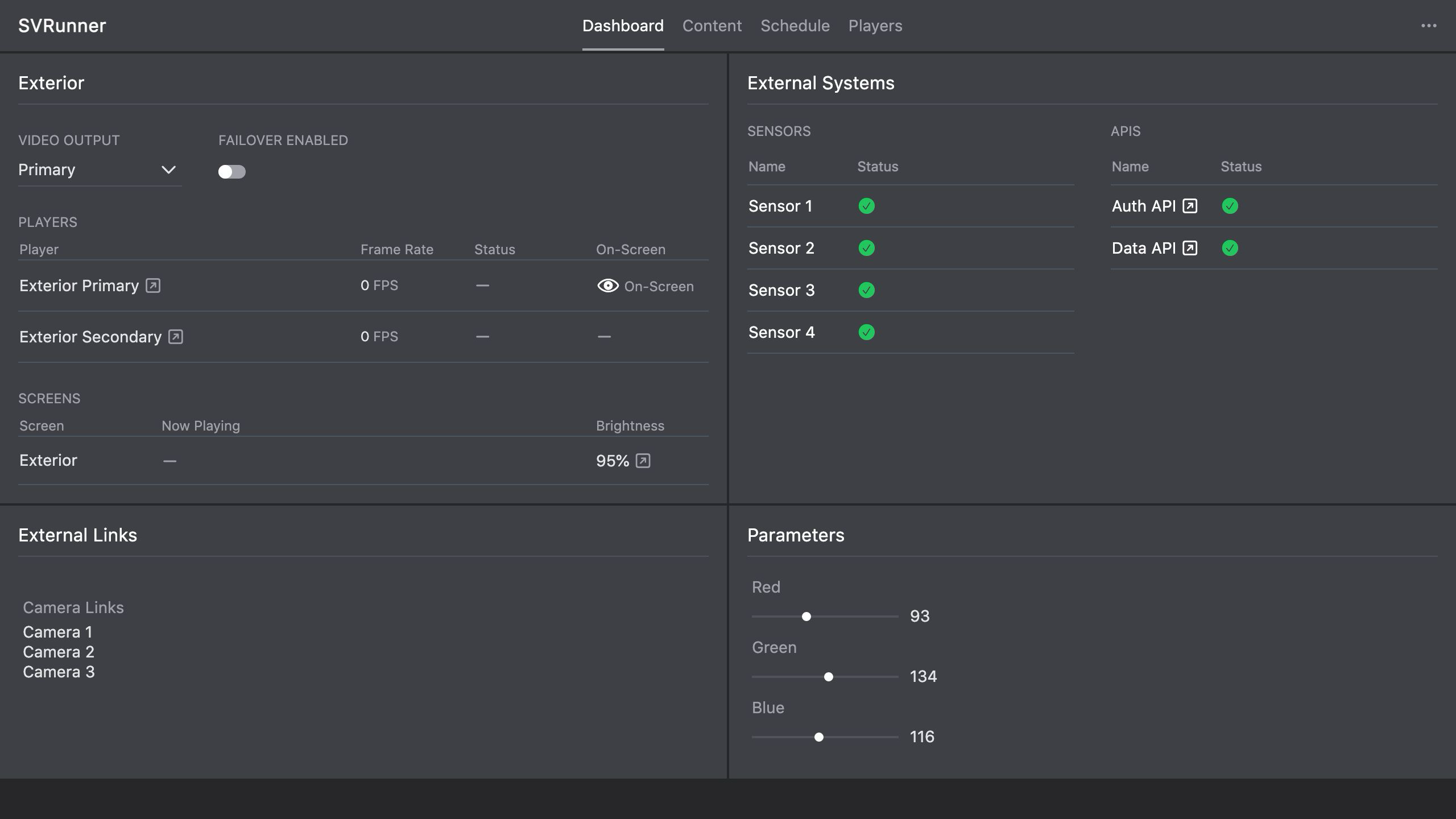 Stub screenshot: non-admin hidden menu for a role-difference comparison. Save final image at
 packages/docs/screenshots/overview-user-hidden-menu.png.
Practical Permission Model
In operational terms:
- users run the system
- admins configure and govern the system
This should guide account assignment and training.
Account Hygiene Guidance
Recommended practices:
- give each person their own account when possible
- limit admin access to people who truly need it
- review admin access regularly
- avoid leaving setup or shared admin accounts in active long-term use without clear ownership
Role And License State
Some admin workflows, especially licensing and system commissioning, may also depend on the system being in a valid licensed state.
That means access expectations are shaped by both:
- the user's role
- the system's current operational state