What Is SVRunner?
SVRunner is the control plane for managing media playback, scheduling, display configuration, and operational workflows across a deployment.
What SVRunner Does
In production, SVRunner brings together:
- content management
- schedule generation
- playback targeting
- display topology configuration
- operational monitoring
- integration and API access
It is designed for environments where multiple screens, players, outputs, or operational stakeholders need to be coordinated from one system.
Main Parts Of The System
SVRunner is not just a single UI. It includes several closely related pieces:
- the server, which hosts the API and runtime services
- the web application, which operators and admins use day to day
- the preview player, which helps validate generated playback
- the playback-side components, which consume content and drive displays
- the documentation site, which is served with the deployment
For a deeper breakdown, see System Components.
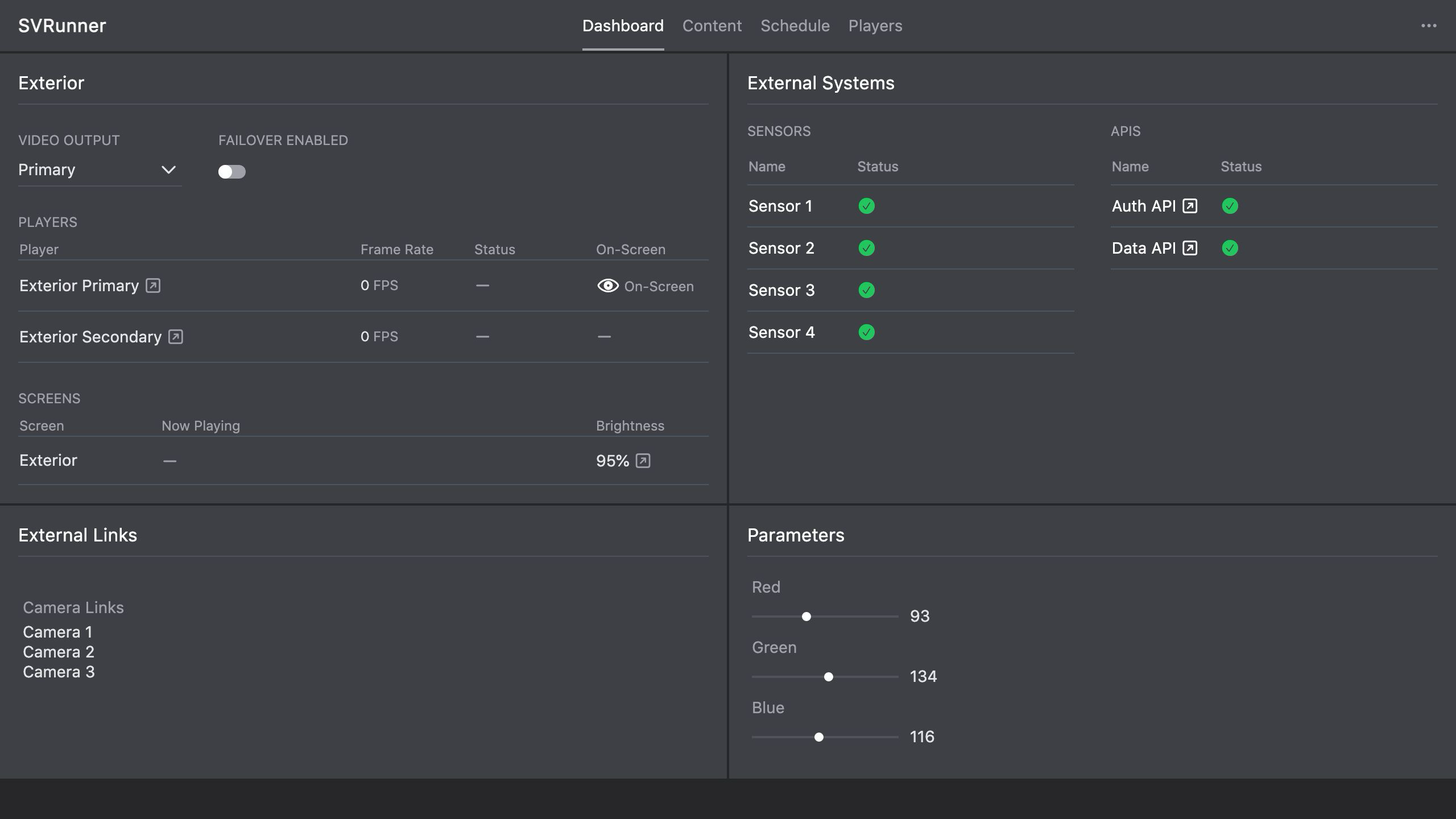 Stub screenshot: product overview or architecture diagram showing SVRunner's main parts and how operators/admins interact with them. Save final image at
 packages/docs/screenshots/overview-product-overview-diagram.png.
Who Uses SVRunner
SVRunner serves several different audiences.
Operators
Operators use SVRunner to:
- upload and organize assets
- create and edit events
- validate schedules with preview
- monitor dashboard health
- use logs and reports during operations
Admins
Admins use SVRunner to:
- manage users and permissions
- configure preferences, players, screens, targets, and outputs
- maintain systems and extensions
- handle licensing, upgrades, backup, and recovery
Developers And Integrators
Developers and integrators use SVRunner to:
- automate workflows through the GraphQL API
- build integrations around content, logs, systems, and scheduling data
- understand deployment, runtime, and data flow behavior
How To Read These Docs
If you are new to SVRunner:
- start with Core Concepts
- continue to Installation if you are deploying the system
- go to Day-To-Day Operations if you are running the system
- use Web Application pages for feature-specific workflows
- use API and Integration if you are integrating with the backend directly