Production Builds
This page is the primary installation guide for operators and admins deploying SVRunner from a packaged build rather than from source.
Before You Begin
Make sure you have:
- the correct release artifact for the target system
- shell access to the host machine
- a plan for persistent storage and backups
- network access to the operator workstations that will open the web application
- the license information needed for first-time setup
SVRunner stores persistent runtime data under a files/ directory by default. In a standard deployment this includes:
- uploaded assets:
files/assets - logs:
files/logs - SQLite database:
files/local.db
By default the server listens on port 7376.
Release Contents
A production deployment is expected to provide:
- the server runtime
- the built web application
- the built documentation site
- the built preview player
In production, the server serves these pieces from a single process:
- web application:
/ - GraphQL API:
/graphql - static assets:
/static - preview player:
/preview - documentation:
/docs
Environment And Paths
SVRunner resolves runtime paths from its executable directory unless you override them.
Important defaults:
SVR_SERVER_PORT: defaults to7376SVR_SERVER_FILES_DIR: defaults to<exec-dir>/filesSVR_SERVER_ASSETS_DIR: defaults to<files-dir>/assetsSVR_SERVER_LOGS_DIR: defaults to<files-dir>/logsSVR_SERVER_DATABASE_PATH: defaults to<files-dir>/local.db
If you use a .env file, place it in the server execution directory so it can be loaded on startup.
Fresh Install Runbook
- Prepare the host.
- Create a dedicated installation directory.
- Confirm the host has enough storage for the asset library and logs.
- Confirm that the intended operator network can reach the server on the chosen port.
- Install or unpack the release build.
- Place the packaged application in the installation directory.
- Confirm the packaged server, client, docs, and preview assets are present.
- Configure environment values if needed.
- Set
SVR_SERVER_PORTif the default7376is not appropriate. - Set
SVR_SERVER_FILES_DIRif persistent data should live outside the executable directory. - Add any deployment-specific logging or environment settings required by your environment.
- Start the server.
- Launch the packaged server using the release-specific startup method for your environment.
- On first startup, SVRunner creates the asset and log directories automatically if they do not already exist.
- Confirm the server is reachable.
- Open
http://<server-address>:7376/if using the default port. - Open
http://<server-address>:7376/docs/to confirm the documentation site is being served. - Open
http://<server-address>:7376/graphqlto confirm the API endpoint is reachable.
- Complete first-time application setup.
- Sign in with the initial credentials provided for the deployment.
- Apply or verify the software license.
- Create or confirm administrative users.
- Configure project preferences, players, screens, and canvases.
Validation Checklist
Before handing the system over to operators, verify all of the following:
- the web application loads from another machine on the network
- the
/docsroute loads successfully - the
/graphqlendpoint responds - the
files/directory exists in the intended persistent location - uploaded media can be created and later retrieved from
/static - logs are being written into
files/logs - at least one operator can sign in successfully
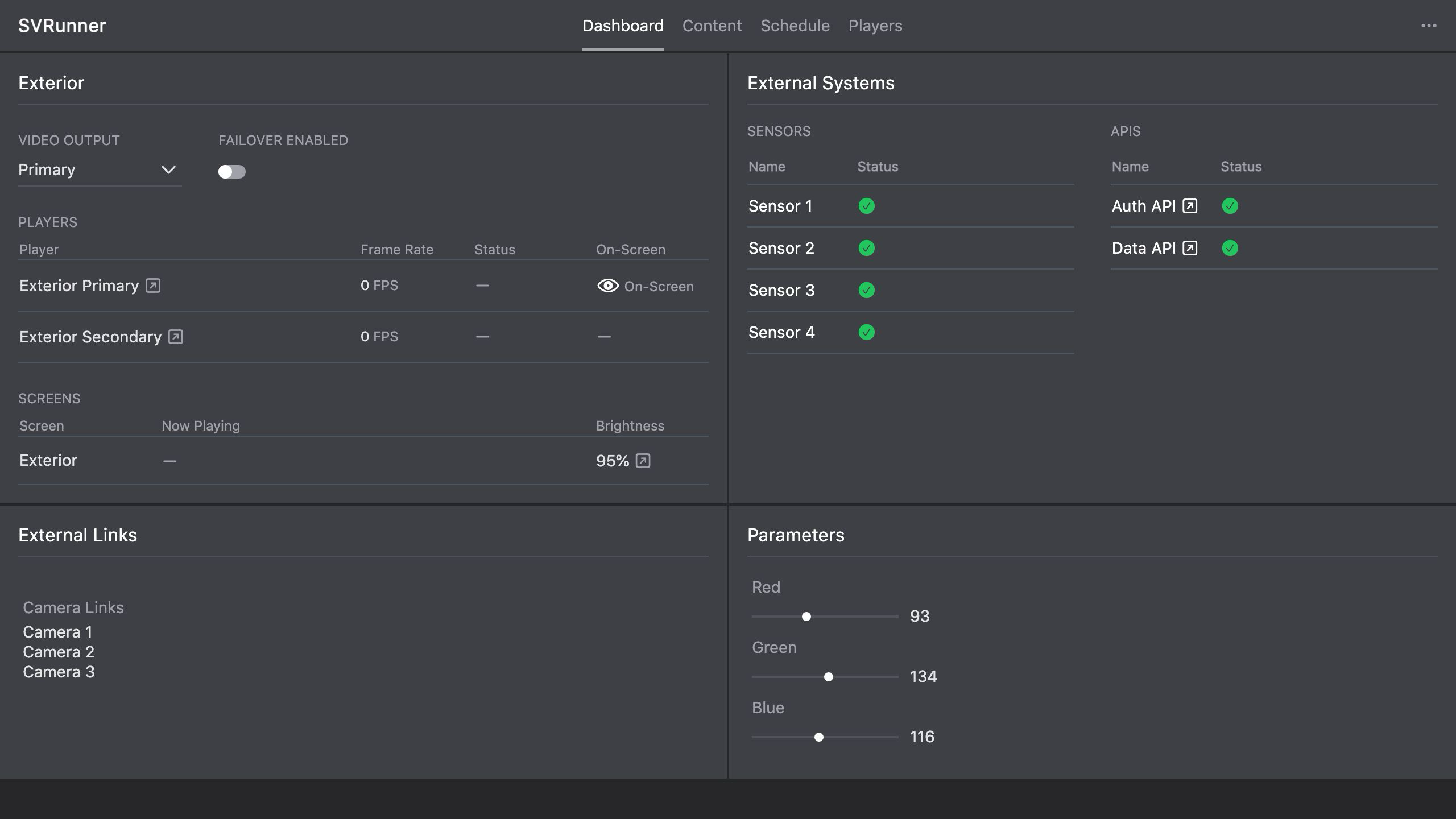 Stub screenshot: browser showing the main app at
 /, the docs at /docs/, and the GraphQL endpoint at /graphql on a freshly installed system. Save final image at packages/docs/screenshots/installation-production-build-routes.png.
Operational Recommendations
- Keep the
files/directory on persistent storage. - Do not place the database or asset library on ephemeral storage.
- Treat the application build and the
files/directory differently during upgrades: replace the build, preserve the data. - Record the final server address, port, install path, and backup procedure as part of handoff.
If You Deploy In Containers Or Managed Infrastructure
If you are not installing directly onto a host machine:
- use Docker for container-specific guidance
- adapt the persistence recommendations in this page so
files/survives redeployments - confirm that any mounted volume is available before the application starts