Backup And Restore
Backup and restore for SVRunner is primarily about preserving the server's persistent runtime data. In most deployments, the application build can be replaced, but the files/ data must be protected.
What Must Be Backed Up
At minimum, back up the persistent server data directory.
By default, that includes:
- database:
files/local.db - uploaded assets:
files/assets - logs:
files/logs
These paths are derived from:
SVR_SERVER_FILES_DIRSVR_SERVER_ASSETS_DIRSVR_SERVER_LOGS_DIRSVR_SERVER_DATABASE_PATH
If your deployment overrides SVR_SERVER_FILES_DIR, back up the actual configured location instead of assuming the default path.
What Else To Preserve
Also preserve:
- the
.envfile or equivalent deployment-time environment configuration - deployment notes for ports, addresses, and storage mounts
- any container/orchestration configuration if using Docker or managed infrastructure
- kiosk or player-side configuration if those devices are part of the operational handoff
What Usually Does Not Need Backup
You can usually rebuild or redeploy these from source artifacts or release packages:
- the main application build
- the docs build
- the preview build
Do not rely on that assumption unless your release process is known and repeatable, but operationally the durable data is the priority.
Backup Strategy Recommendations
Use a repeatable backup process that includes:
- persistent data directory backup
- environment/config backup
- retention policy
- restore testing
At minimum, keep backups frequently enough to protect:
- current schedule state
- uploaded media
- recent operational history
Restore Workflow
The practical restore process is:
- provision a replacement host or deployment target
- install the desired SVRunner build
- stop the application if it has already created fresh runtime data
- restore the backed-up
files/contents to the correct persistent location - restore the
.envor deployment environment settings - start the server
- validate the application, data, and asset availability
Post-Restore Validation
After restore, confirm all of the following:
- the app loads at the expected address and port
- users can sign in
- the active license state is present as expected
- assets appear in the UI
- asset files resolve from
/static - preview works for at least one known screen and event
- logs are present for the expected historical period
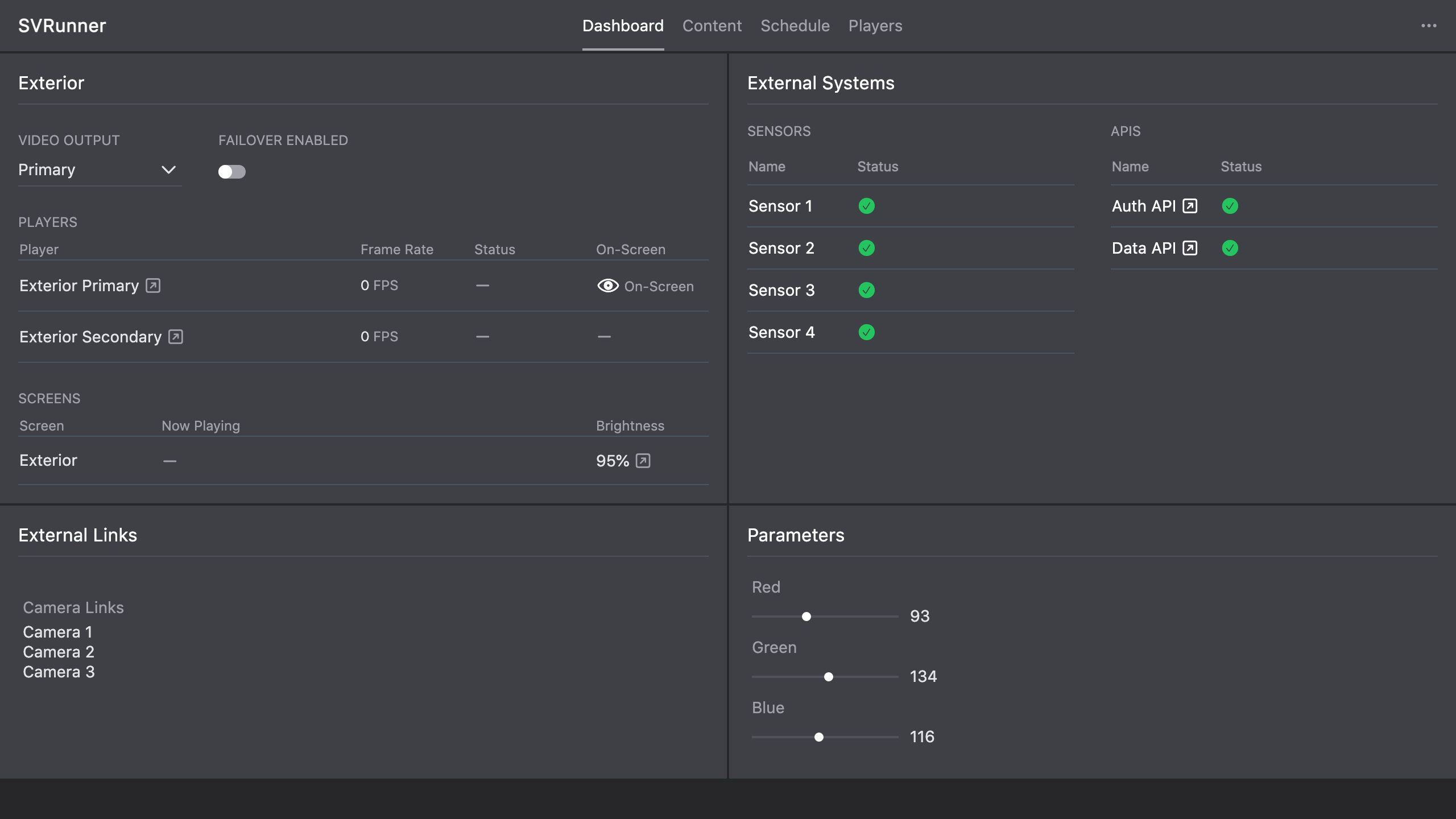 Stub screenshot: server persistent
 files/ directory structure showing assets, logs, and local.db. Save final image at packages/docs/screenshots/installation-backup-files-directory.png.
Docker And Managed Deployment Note
If you run SVRunner in Docker or a managed platform:
- restore the mounted persistent volume contents
- confirm the replacement container points at that restored volume
- validate that the volume mount path matches what the application expects
Operational Guidance
- test restore procedures before you need them in production
- record the real storage path used by each deployment
- do not assume container redeploy or VM snapshotting alone is a complete backup strategy