Upgrading
This page describes how to move an existing SVRunner installation to a newer build safely. The most important rule is simple: replace the application build, preserve the persistent data.
Upgrade Principles
An SVRunner upgrade should protect:
- database state
- uploaded assets
- runtime configuration
- operator continuity
In most deployments, the build is replaceable but the files/ data must survive intact.
Pre-Upgrade Checks
Before upgrading:
- confirm the current system is healthy enough to baseline
- record the current version if possible
- verify the persistent data path in use
- confirm you have a fresh backup
- identify the maintenance window and expected operator impact
If using Docker or managed infrastructure, also confirm the mounted volume or persistent storage mapping.
Back Up First
Before replacing anything, back up:
files/local.dbfiles/assetsfiles/logs.envor equivalent environment configuration
See Backup And Restore.
General Upgrade Sequence
For most deployments, the safest sequence is:
- notify operators of the maintenance window
- stop the running application
- preserve the current persistent data directory
- deploy the new build or image
- restore or remount the existing persistent data if needed
- start the new version
- validate the application before returning it to operators
Host-Based Upgrade
For a direct host installation:
- replace the packaged application build
- keep the existing
files/directory - keep the deployment's
.envfile unless the upgrade requires a deliberate config change
Docker Upgrade
For a Docker deployment:
- pull or build the new image
- keep the persistent volume or bind mount unchanged
- start a new container with the same data mount
- verify the mounted path still maps to the server's expected
files/directory
Managed Platform Note
For Fly.io or similar managed environments, the existing deployment notes emphasize preserving the attached volume and verifying that the deployment still points to the expected mounted storage.
Post-Upgrade Validation
After the new version starts, confirm:
- the main app loads
/docsloads/graphqlresponds- users can sign in
- assets are visible and resolvable
- preview works on a known screen
- dashboard health looks normal
- logs continue to be written
Rollback Thinking
Rollback depends on how your deployment is packaged, but the core idea is:
- restore the previous build or image
- keep or restore the correct persistent data snapshot if needed
Do not overwrite good data during a rollback attempt.
Operational Guidance
- do upgrades during a defined maintenance window
- validate with a small end-to-end content test after restart
- record any config changes introduced during the upgrade
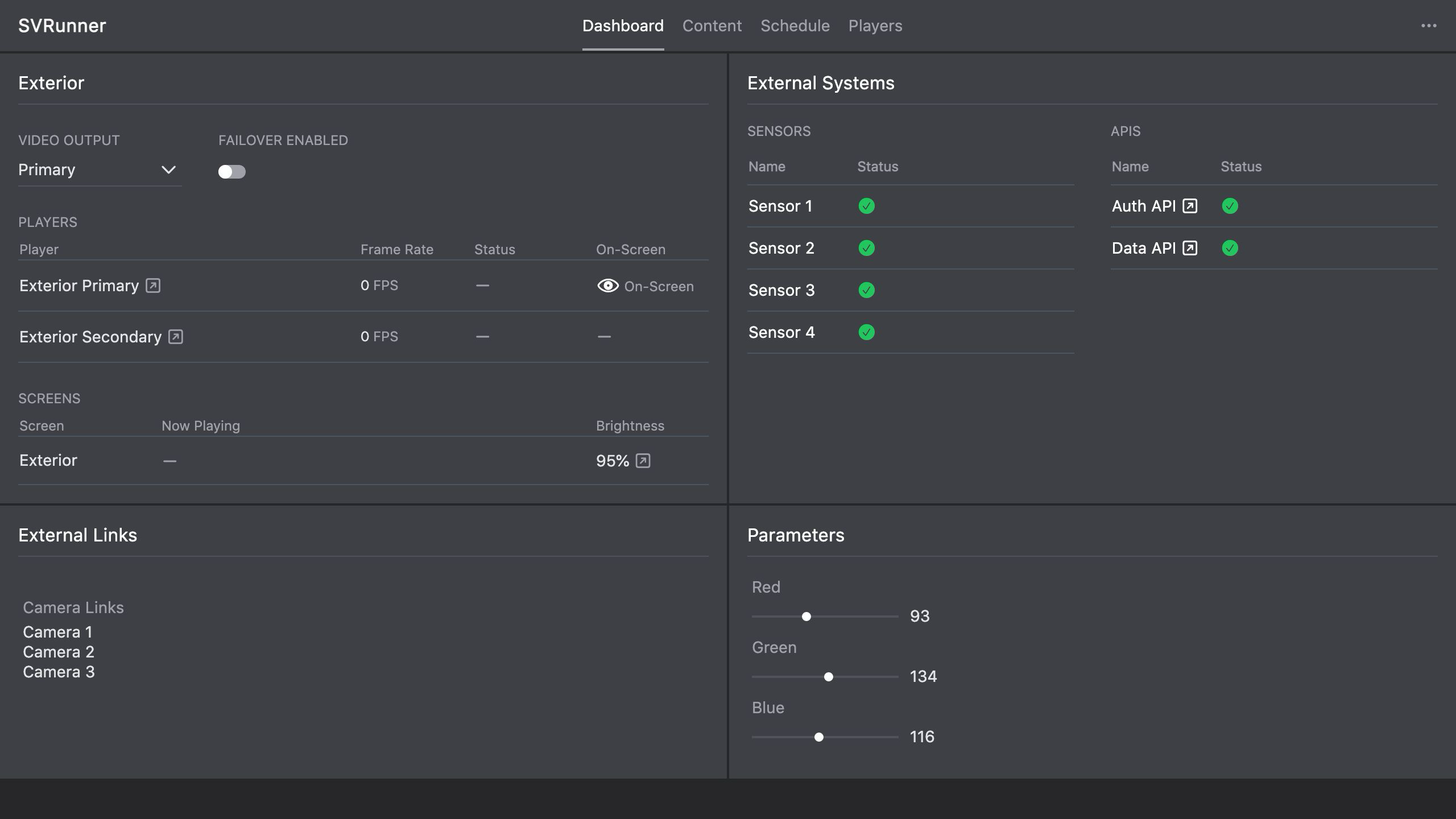 Stub screenshot: simple upgrade checklist or maintenance runbook view. Save final image at
 packages/docs/screenshots/installation-upgrade-runbook.png.