Network Topology
This page explains the important network paths in a production SVRunner deployment.
Browser To Server Traffic
Operator and admin browsers connect to the SVRunner server for:
- the main web application at
/ - the docs site at
/docs - the GraphQL API at
/graphql - preview access at
/preview
This means the server is the main entry point for both operational UI and technical API use.
GraphQL HTTP And WebSocket Paths
The main API paths are:
- HTTP:
/graphql - WebSocket:
ws://<host>:<port>/graphqlorwss://<host>:<port>/graphql
HTTP is used for:
- queries
- mutations
- multipart uploads
WebSocket is used for subscriptions where realtime behavior is needed.
Static Asset Delivery
Uploaded and processed asset files are served from:
/static
That means any browser-side preview, playback-adjacent UI, or downstream component that needs asset files depends on the server being able to serve this route correctly.
Preview Route
The preview player is served at:
/preview
Operators use this route indirectly through the application when validating generated playback.
Player-Side Communication
Playback-side or kiosk-side components also need network access to the server.
At a practical level, they may depend on:
- API access
- static asset access
- any additional playback-related coordination handled by the deployment
This is why server reachability matters not only for browsers, but also for live playback behavior.
Deployment Considerations
When planning networking, confirm:
- the server port is reachable from operator workstations
- the server port is reachable from player devices
- websocket traffic is permitted if subscriptions are needed
- reverse proxies or container ingress preserve the required routes
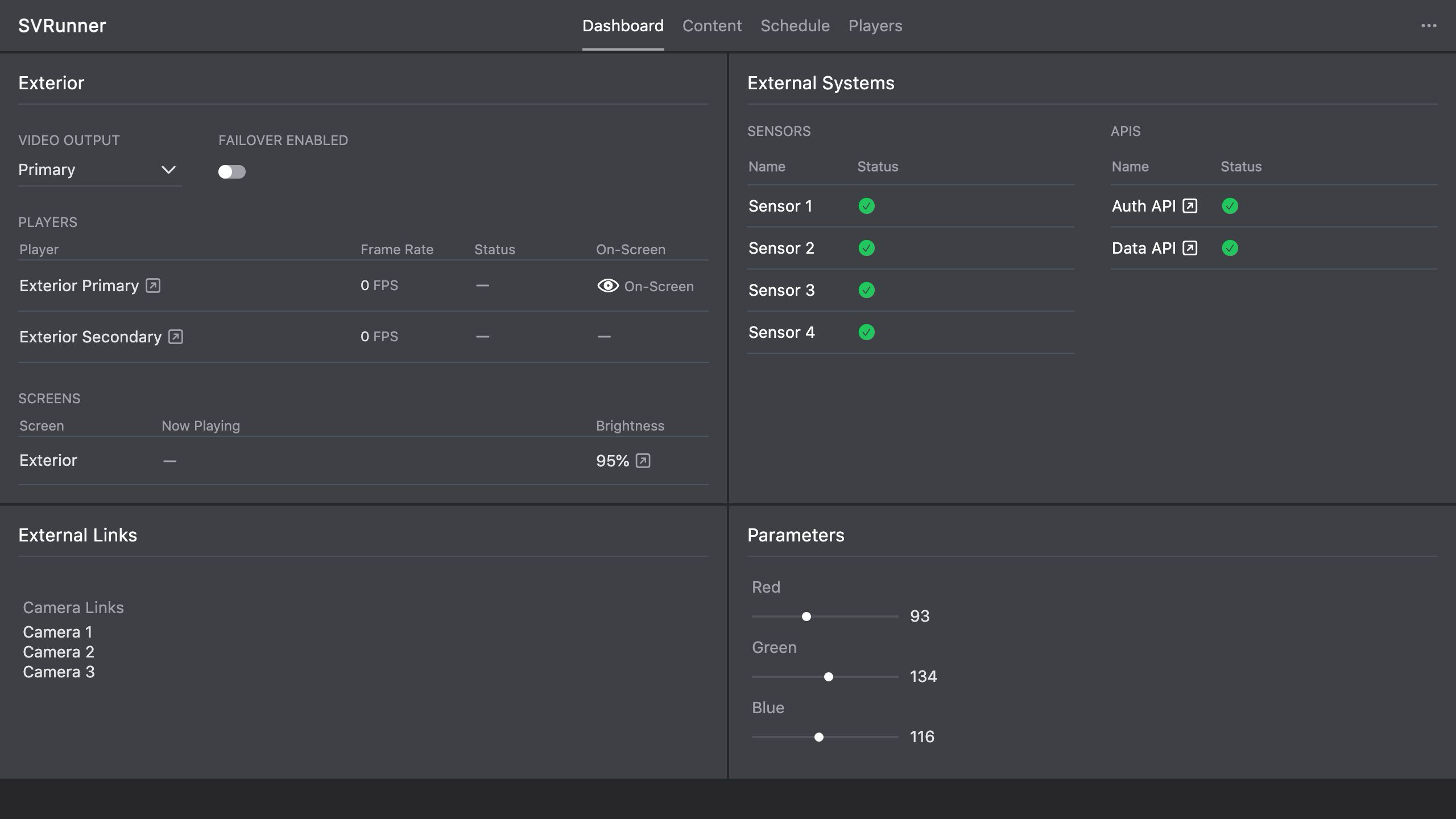 Stub screenshot: deployment network diagram showing browser, player, and server traffic paths, including
 /graphql, /static, /preview, and /docs. Save final image at packages/docs/screenshots/architecture-network-topology-diagram.png.