Request And Playback Flow
This page explains how operator input in the web application becomes generated playback on screens. It is the most important architecture page for understanding why the schedule, preview, and live output sometimes differ from operator expectations.
High-Level Flow
At a high level, playback follows this chain:
- operators create and organize assets
- assets and asset blocks are placed into events
- events target screens through sequences
- SVRunner evaluates which events are active
- SVRunner generates a playlist for each screen
- players and outputs present that result on the live display path
Quick Play and some action-driven behaviors can temporarily change what the generated or active result looks like.
Step 1: Author Content
Operators begin by creating:
- assets
- asset blocks
- tags
- extensions or extension-backed metadata where required
This stage defines the content pool that can later be scheduled.
Step 2: Build Scheduled Events
Operators then create events and fill their sequences with assets or asset blocks.
At this stage they also define:
- target screens
- occurrence type
- active period
- publication state
This is where the intended programming logic is expressed, but not yet fully resolved into playback order.
Step 3: Filter Events
Before a playlist is generated for a screen, SVRunner filters the available events.
The current playlist notes indicate that events are filtered by whether:
- the event is available through one of its date ranges
- the event is published
This means an event can exist in the system and still have no effect on playback.
Step 4: Determine Playlist Strategy
After filtering, SVRunner determines which generation strategy to use.
The current documented strategies are:
- Rules
- Loop
- Dynamic
If there are active loop events, the loop generator is used.
If there are no active loop events but there are active dynamic events, the dynamic generator is used.
If neither applies, SVRunner continues with rule-based playlist generation.
Step 5: Build Rules
For rule-based generation, filtered events are converted into playlist rules.
The main occurrence-driven rule types are:
- Play Count
- Percent Share
- Filler
- Play At
Sequence behavior also affects how some rules are built.
Current sequence behaviors used in rule generation include:
- Split Sequence
- Apply All
- Preserve Sequence
For both Play Count and Percent Share:
- Split Sequence divides the rule across all sequence items
- Apply All applies the rule to each sequence item
- Preserve Sequence applies the rule to the sequence while keeping its order intact
Step 6: Build The Playlist
The current documented playlist-building process is:
- create sections based on Play At rules
- determine how many Play Count rules to include in each section
- evenly apply Play Count rules while avoiding adjacent conflicts
- evenly apply Filler rules
- combine the sections into the final playlist
This is the stage where operator intent becomes an actual ordered result.
Step 7: Preview The Result
Preview lets operators inspect the generated playlist for a chosen screen and time.
This matters because the generated result may differ from what an operator casually expects from the event list, especially when:
- multiple events overlap
- Percent Share or Play Count is in use
- unpublished content is being reviewed
- loop or override behavior exists
Preview is the safest way to verify the resolved result before relying on it in production.
Step 8: Live Playback
Once generated, the resulting playlist is consumed by the live playback path.
This stage is influenced by:
- player health
- screen configuration
- target or output topology
- failover state
- Quick Play state
This is why a correct schedule does not always guarantee a correct on-screen result. The runtime path still has to be healthy.
Where Quick Play Fits
Quick Play is a controlled override path.
When enabled, it bypasses normal scheduled playback for the affected screens and uses the Quick Play event state instead.
This means operators should treat Quick Play as part of the playback lifecycle, not as a separate feature disconnected from scheduling.
Why Operators Should Care
Operators do not need to memorize the implementation details, but they do need the right mental model:
- the calendar shows intent
- preview shows generated result
- the live display shows runtime result
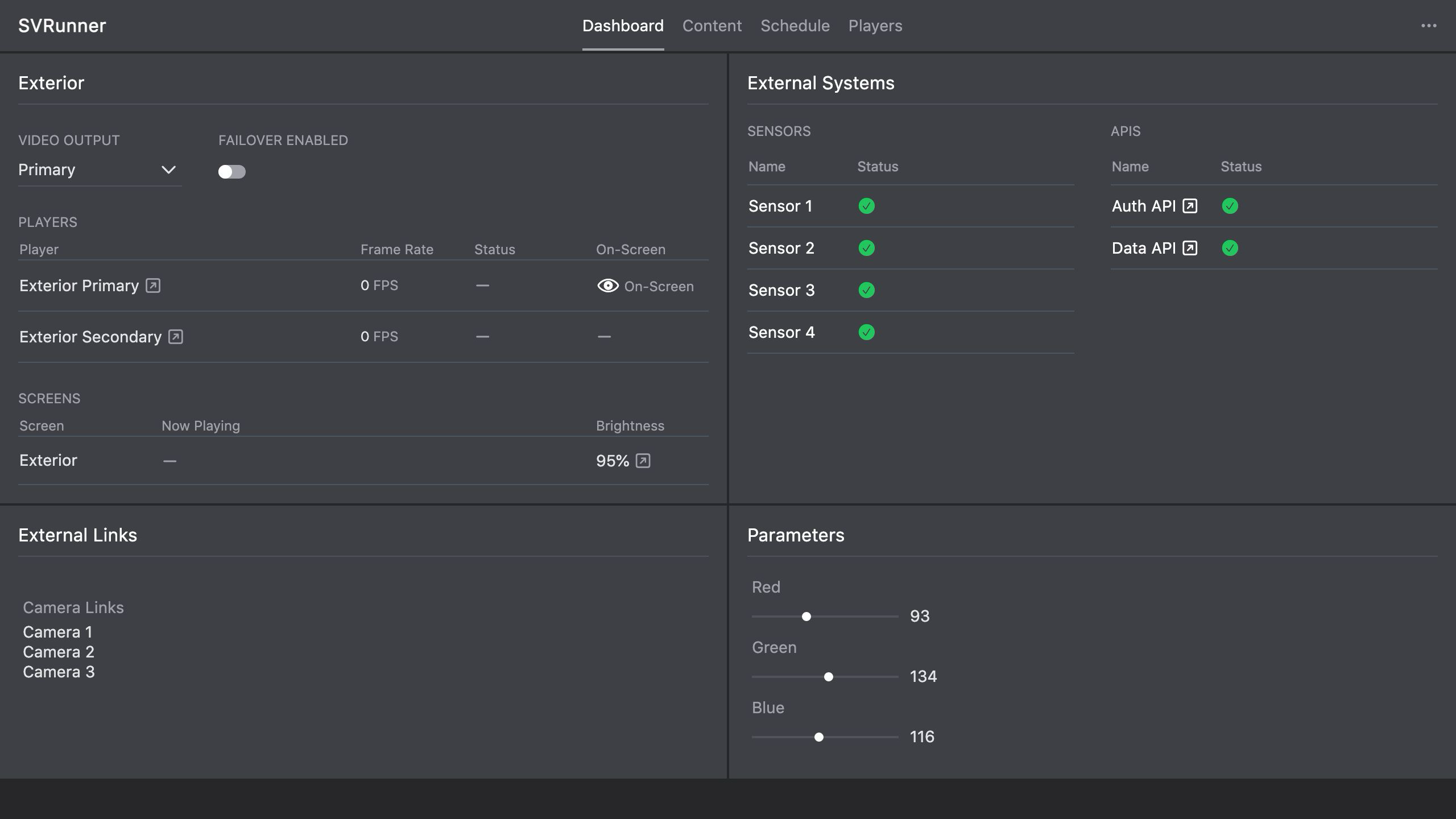 Stub screenshot: diagram showing
 assets -> events/sequences -> filtered active events -> playlist generation -> preview/live playback. Save final image at packages/docs/screenshots/architecture-playback-flow-diagram.png.
If those three do not match, the problem could be in scheduling, generation, or runtime playback health.