External Systems
This page documents how external systems are configured and maintained in SVRunner.
What An External System Record Includes
The current system configuration UI supports:
- name
- type
- link
- status
- custom
data - a get-status command
- a restart command
This allows SVRunner to represent both passive status integrations and systems that can be actively controlled.
System Definitions And Identifiers
Use the Name and Type fields consistently.
- Name should identify the real system clearly
- Type should group similar systems together in a meaningful operational category
These fields affect how systems are organized in the dashboard and how operators interpret them.
Link And External Access
Use the Link field when operators or admins need to jump from SVRunner into another service, dashboard, or device interface.
This is especially useful during troubleshooting or maintenance.
Status Refresh Behavior
Status behavior can be driven by the system's configured status command and data.
Operationally, systems should be treated as:
- healthy when status is clearly good
- degraded when status contains warnings or unexpected values
- failed/offline when status is empty or known-bad
The exact refresh mechanism may depend on the system implementation, so document any deployment-specific expectations locally.
Get Status Command
The Get Status Command editor is the advanced configuration surface used to define how system health is evaluated.
Change this only when:
- you understand the integration behavior fully
- you have a safe way to validate the result
- the change has been reviewed as an operational dependency, not just a UI tweak
Restart And Control Actions
If a Restart Command is configured, the dashboard may expose a restart button for authorized users.
This is powerful and should be treated carefully.
Use restart controls only when:
- the system is expected to recover from restart
- the operational impact is understood
- the user performing the action is authorized to do so
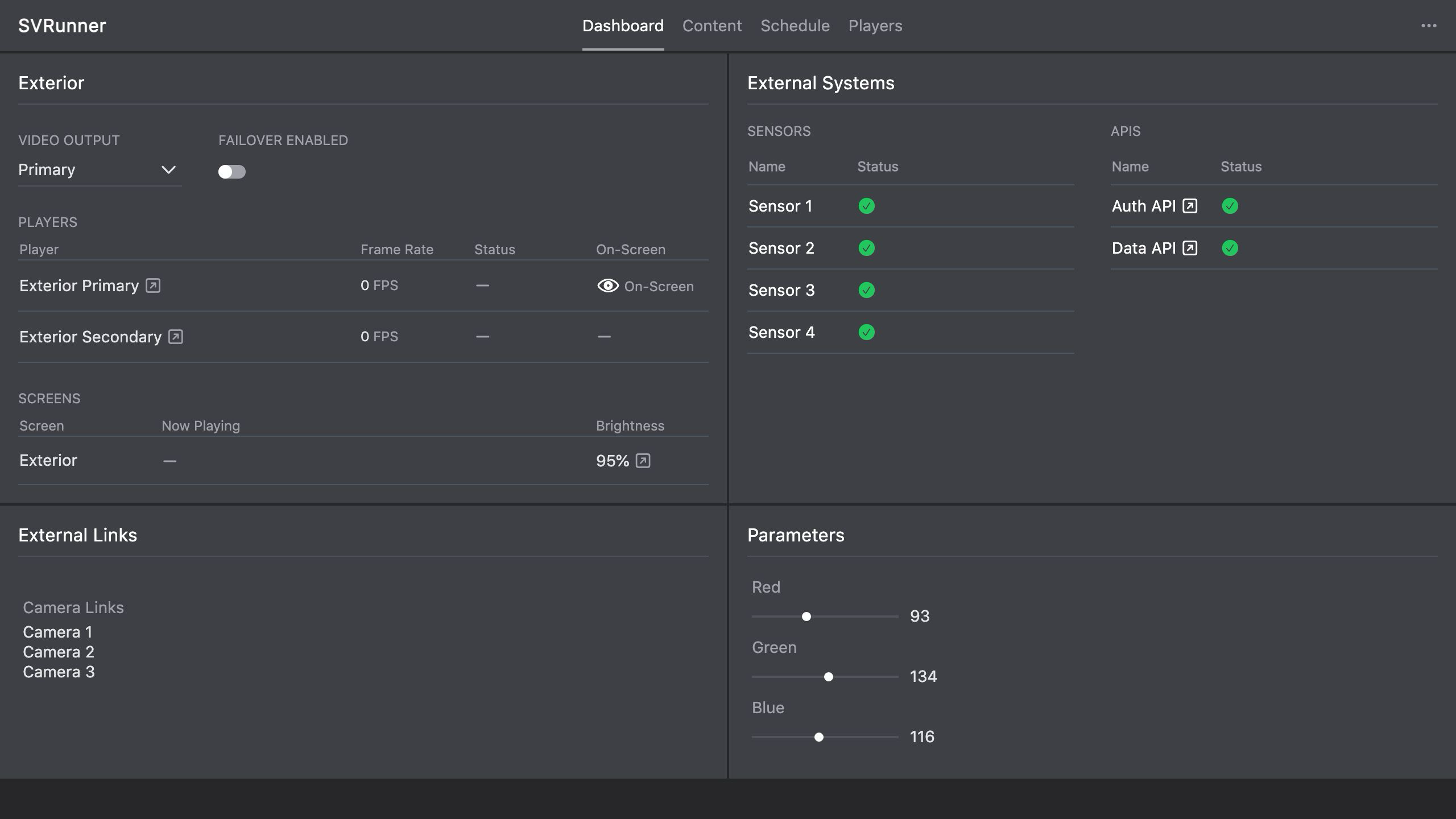 Stub screenshot: System sidebar with name, type, link, status, Get Status Command, and Restart Command visible. Save final image at
 packages/docs/screenshots/configuration-system-sidebar.png.
Operational Dependencies
External systems may affect:
- automation
- monitoring
- content workflows
- display behavior
- support confidence during incidents
Even if playback continues, a degraded system can still represent a real operational problem.
Failure Handling Guidance
When a system is degraded:
- check the dashboard system panel
- inspect the linked external interface if available
- decide whether the issue affects live operation or only support visibility
- restart only if appropriate
- escalate when the integration is critical or unstable