Restart Procedures
This page provides a practical restart runbook for operators and admins. Use it when a restart is the most reasonable recovery action, but avoid treating restart as the first response to every issue.
When A Restart Is Appropriate
A restart is appropriate when:
- a component is clearly degraded or stuck
- a player or system is not recovering through normal operation
- a controlled recovery is preferable to continued unstable behavior
- an admin has requested a service reset after maintenance or configuration work
Do not restart blindly if the issue is actually scheduling, preview, permissions, or incorrect operator input.
Restart Scope
In practice, restarts may apply to:
- a player device
- an external system surfaced through the Systems panel
- the main SVRunner server or container
- a kiosk session on a playback device
Use the smallest restart scope that can reasonably address the issue.
Recommended Restart Order
When the problem is localized, restart from the edge inward:
- confirm the affected screen, target, player, or system
- restart the specific player or external system if that is the likely fault domain
- validate the result
- only consider server-level restart if the problem is broader or the local restart fails
System Restart From The UI
The current Systems workflow can expose a Restart button for supported systems.
If used:
- wait for the restart result notification
- confirm whether the system returns to a healthy state in the dashboard
- verify any dependent playback or automation behavior afterward
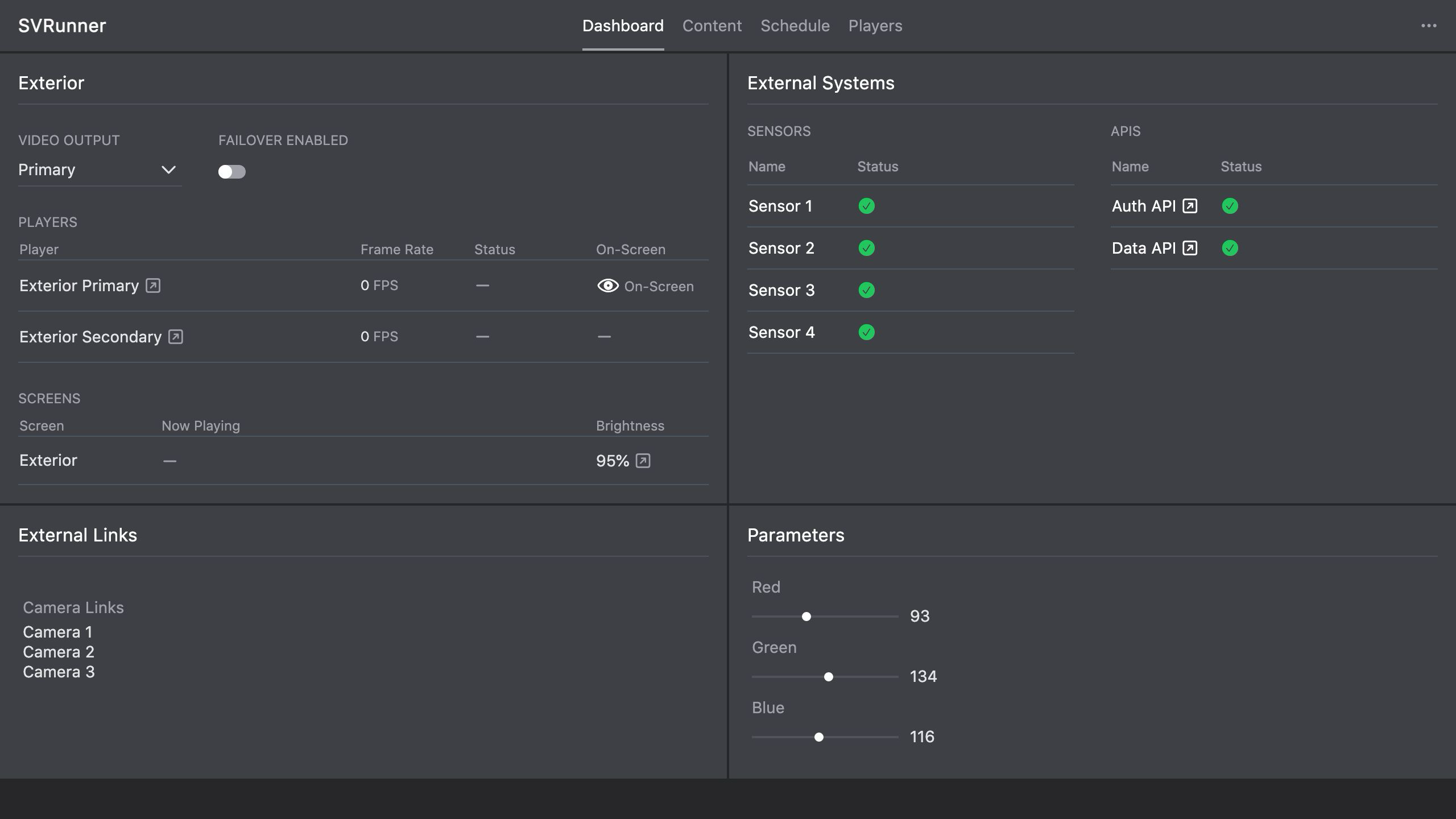 Stub screenshot: Systems dashboard panel or system row showing the Restart action and the resulting notification. Save final image at
 packages/docs/screenshots/operations-system-restart-panel.png.
Kiosk Or Player Restart
For kiosk-style player devices, restart actions may include:
- restarting the kiosk session
- restarting the player app
- rebooting the device if necessary
After restart, validate:
- network connectivity
- player reachability
- expected display output
Server Restart
Use a server restart only when the issue appears central rather than device-specific.
After server restart, validate:
- the main app loads
/graphqlresponds/docsloads- assets resolve from
/static - dashboard health returns to expected state
Post-Restart Validation
After any restart, confirm:
- the affected component is reachable again
- the relevant warning or degraded state has cleared
- live output or operator workflow has actually recovered
- Quick Play and failover states are still what you expect
When Restart Is Not Enough
Escalate beyond restart when:
- the component immediately returns to a degraded state
- the issue is repeatable and not transient
- preview, logs, and runtime behavior still disagree after recovery
- configuration or deployment problems are likely involved