Content Publishing
This page describes the safest operational workflow for publishing content changes. The goal is to help operators make visible updates without introducing avoidable schedule or playback mistakes.
Publishing Mindset
Content publishing in SVRunner is not just about uploading media. A safe publish workflow includes:
- content review
- schedule review
- preview validation
- timing awareness
- post-publish monitoring
Recommended Workflow
- prepare the content
- upload or update the asset
- verify metadata and tags
- build or update the event sequence
- confirm the targeted screen or screens
- review the event in the calendar
- use preview to validate the generated result
- publish at the appropriate time
- monitor the dashboard after the change goes live
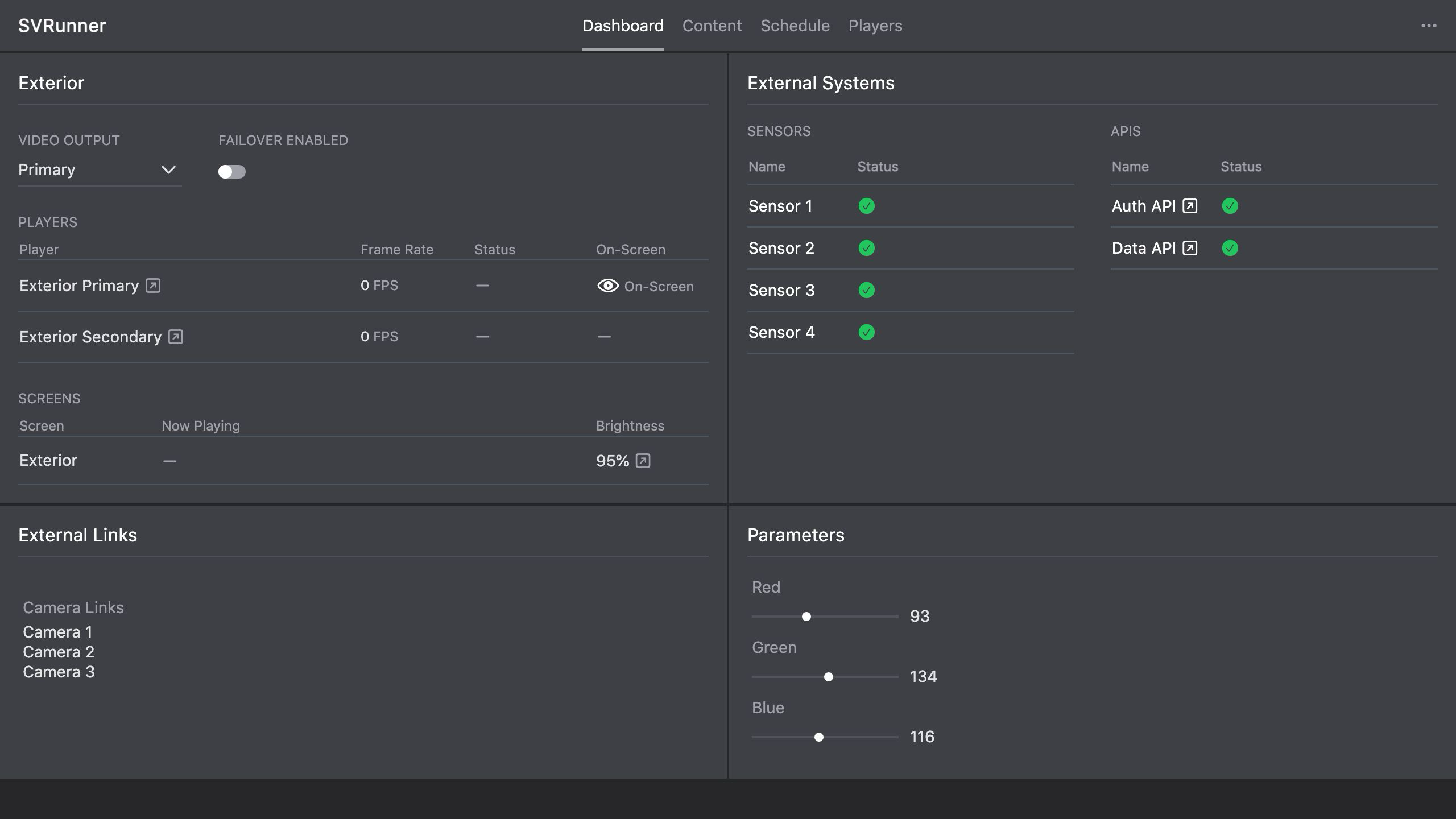 Stub screenshot: multi-step publishing workflow or a side-by-side of the event editor and preview. Save final image at
 packages/docs/screenshots/operations-publishing-workflow.png.
Asset Preparation
Before scheduling anything, verify:
- the correct file was uploaded
- duration is correct
- tags are applied consistently if needed
- any required extension fields are complete
If the asset is time-sensitive, treat metadata review as mandatory.
Event And Schedule Editing
When editing the schedule:
- use clear event names
- confirm the correct occurrence type
- confirm the correct active period
- verify the correct screen assignments in sequences
- avoid overlapping loop logic unless the result is intentional
Preview Before Publish
Preview should be treated as the final quality-control step for any important change.
This is especially important when:
- multiple events overlap
- Percent Share, Play Count, or Play At is in use
- the screen is public-facing or high-visibility
- the change is replacing scheduled content already in production
Publish Timing
Good publish timing practices include:
- avoid making major changes during unstable system conditions
- avoid publishing complex changes immediately before a critical playback window unless preview has been confirmed carefully
- batch related changes where it reduces operator confusion
If the site has a known day-boundary or shift-boundary workflow, align publishing with that operational rhythm.
After-Publish Checks
After publishing:
- confirm the event is now in the intended state
- re-check preview if needed
- monitor the affected screen or target through the dashboard
- use logs later if playback evidence is needed
Common Mistakes
- publishing before verifying screen assignment
- forgetting that an event is still unpublished
- relying on the calendar alone without checking preview
- making several schedule changes at once without validating each step
- leaving Quick Play active and assuming published schedule changes are live