Players, Screens, And Canvases
This page explains how the core display entities fit together. In practice, the most important relationship is between players, screens, targets, outputs, and the display surface they ultimately drive.
Core Relationship
The simplest mental model is:
- players are the playback runtimes
- screens are the scheduling targets
- targets/canvases define the broader display topology
- outputs define the actual playback paths inside that topology
Events schedule content to screens, but players and outputs determine how that content reaches the live display.
Players
Players are configured with:
- name
- target assignment
- role
- address
- optional node configuration
The player should be associated with the target that represents its real output context.
Screens
Screens are configured with:
- name
- target assignment
- extension associations
- mapping properties such as resolution, transform, scale, rotation, and crossfade
Screens are what operators see in schedule and preview workflows, so they must be named and mapped carefully.
Targets / Canvases
Targets are where broader topology is configured, including:
- width and height
- node count
- failover mode
- current output selection
- outputs and output command logic
This is the layer where playback-path behavior is defined rather than just schedule behavior.
Recommended Setup Order
The safest setup order is:
- create the target or canvas
- configure outputs and failover behavior
- create players and assign them to the correct target
- create screens and assign them to the correct target
- validate naming, mapping, and output behavior before scheduling content
Assignment Rules
Player To Target
Each player should point to the target it actually serves.
Screen To Target
Each screen should point to the target representing its real display path.
Role And Output Alignment
Player roles and output roles should follow the same operational model. If the site expects a primary and secondary path, those meanings should remain consistent across players and outputs.
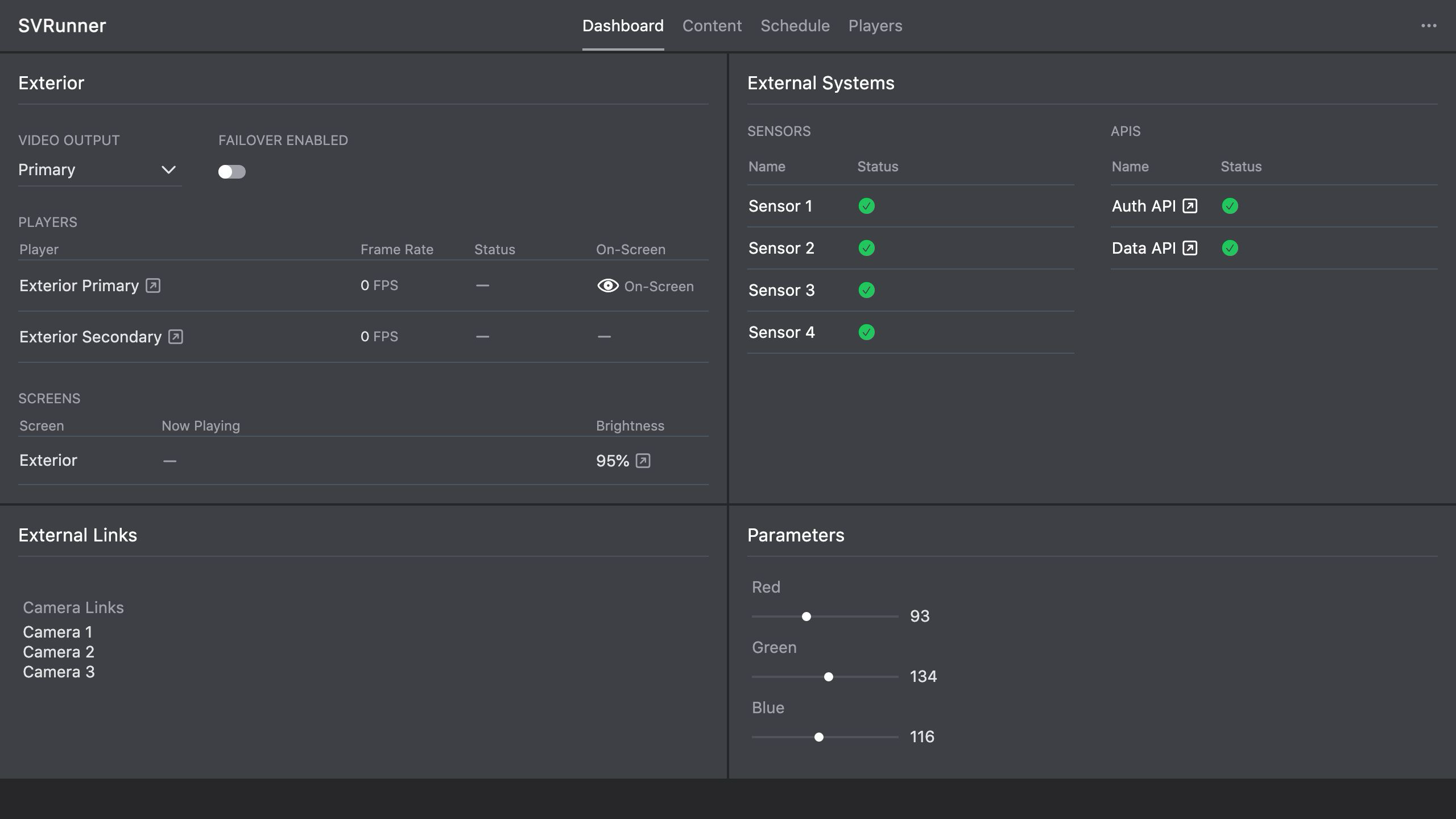 Stub screenshot: diagram or paired UI capture showing how a player and a screen both attach to the same target. Save final image at
 packages/docs/screenshots/configuration-player-screen-target-relationship.png.
Common Configuration Mistakes
- assigning players to the wrong target
- assigning screens to the wrong target
- unclear naming between physical display names and configured names
- configuring outputs and failover without validating live hardware behavior
- changing screen mapping without checking the actual display result
Validation Checklist
After configuration changes, verify:
- the player appears under the expected target
- the screen appears under the expected target
- preview works on the configured screen
- the live display path matches the intended topology
- failover and output selection behave as expected