Project Preferences
This page is the technical companion to the user-facing Preferences page. It focuses on what the current preference set actually controls and how admins should manage those settings in production.
Current Preference Set
The current client code defines these project preferences:
events.defaultOccurenceTypeassetBlocks.defaultExtensionassets.defaultExtensionassets.allowFileassets.skipFilePreviewassets.defaultDurationproject.defaultLatitudeproject.defaultLongitudeevents.defaultSplitHourassets.defaultAdminPermissionsevents.defaultScreenId
Preferences That Affect Playback Or Scheduling
events.defaultOccurenceType
Changes the default occurrence type used when creating new events.
This affects operator behavior during event authoring and can indirectly influence generated playback if users rely on defaults without changing them.
events.defaultScreenId
Controls which screen is chosen by default when creating a new event and no screen is already selected.
In multi-screen deployments, this should be reviewed carefully because it can contribute to screen-targeting mistakes.
events.defaultSplitHour
Controls the default calendar split hour.
This changes how the scheduling day is presented operationally and should align with the site's expected day boundary.
Preferences That Affect Asset Workflow
assets.allowFile
Allows or disallows file-based asset upload.
This is a major workflow control and should be changed only with clear intent.
assets.skipFilePreview
Skips video file preview generation.
This can reduce processing work, but it also reduces operator visibility after upload.
assets.defaultDuration
Controls the default duration for image-based assets.
Because image timing often matters operationally, this should match the site's real-world scheduling expectations.
assets.defaultExtension and assetBlocks.defaultExtension
These set the default extension applied during creation of assets and asset blocks.
Use them when the site expects most content to follow a standard schema.
assets.defaultAdminPermissions
Controls the default permissions for assets created by an admin.
This matters when asset creation and maintenance are split across user roles.
Preferences That Affect Environmental Defaults
project.defaultLatitude and project.defaultLongitude
These defaults are used for sunphase-related timing calculations.
They are especially important when brightness or other astronomical scheduling behavior depends on site location.
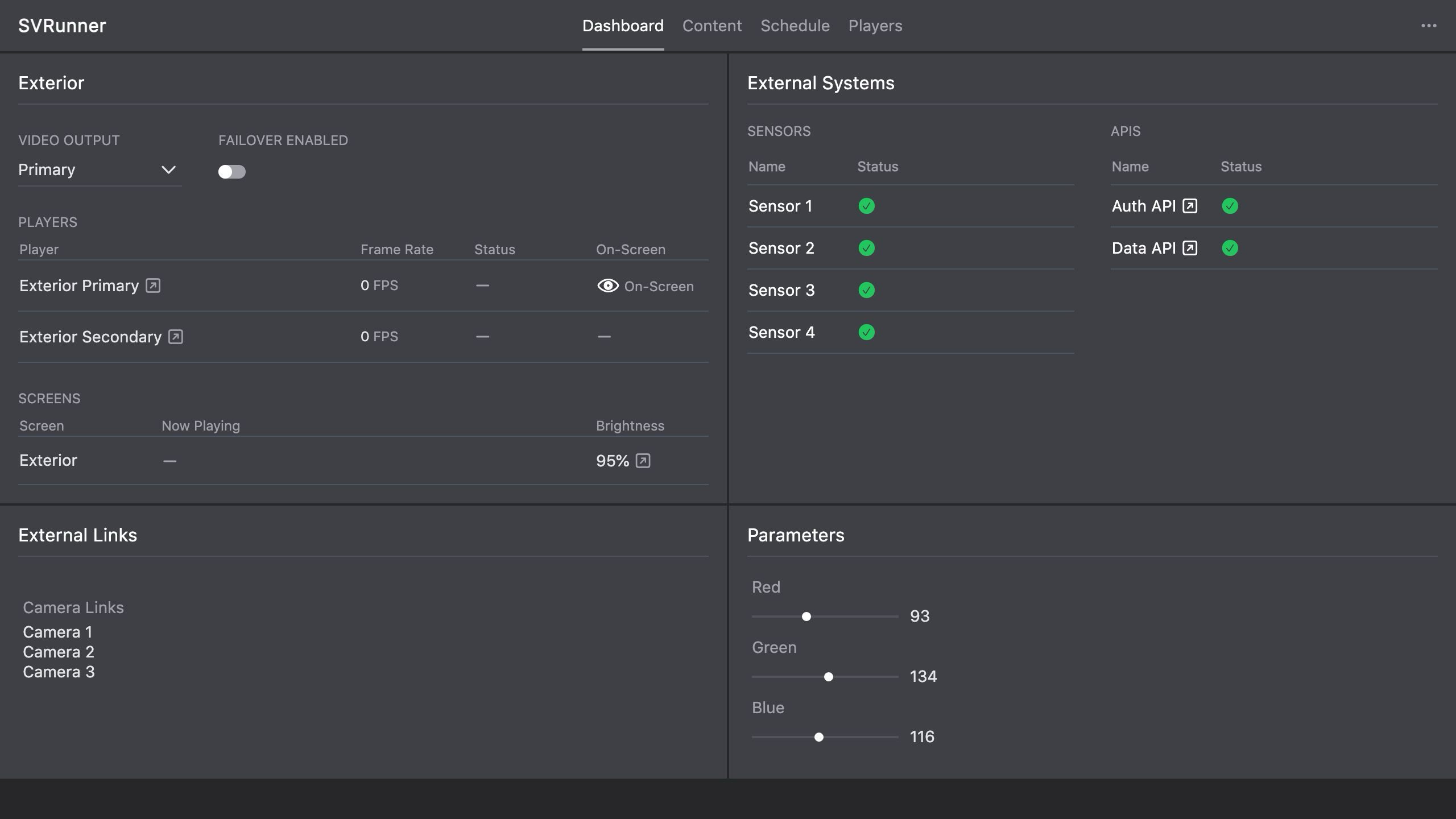 Stub screenshot: preferences screen with the actual current preference list visible, ideally showing event, asset, and project defaults. Save final image at
 packages/docs/screenshots/configuration-project-preferences.png.
Validation Guidance
After changing a preference, validate the part of the product it affects.
Examples:
- event defaults: create a new event and confirm the expected starting state
- asset defaults: create or upload a new asset and confirm the expected behavior
- latitude/longitude: verify the related schedule or brightness behavior using preview or the relevant action view
- permissions: confirm the expected role behavior with a non-admin account if possible
Operational Guidance
- treat preference changes as configuration changes, not content edits
- record non-default values during deployment handoff
- communicate changes that alter operator defaults or safety expectations