Quick Play
Quick Play is a way to immediately play one or more assets. This will override SVR scheduled playlists and will instead play assets from the Quick Play sequence.
info
Quick Play will only affect screens specified in the sequences. In order to avoid unintentional interruption of programmed scheduling, make sure only the screens you want to be run in Quick Play are specified.
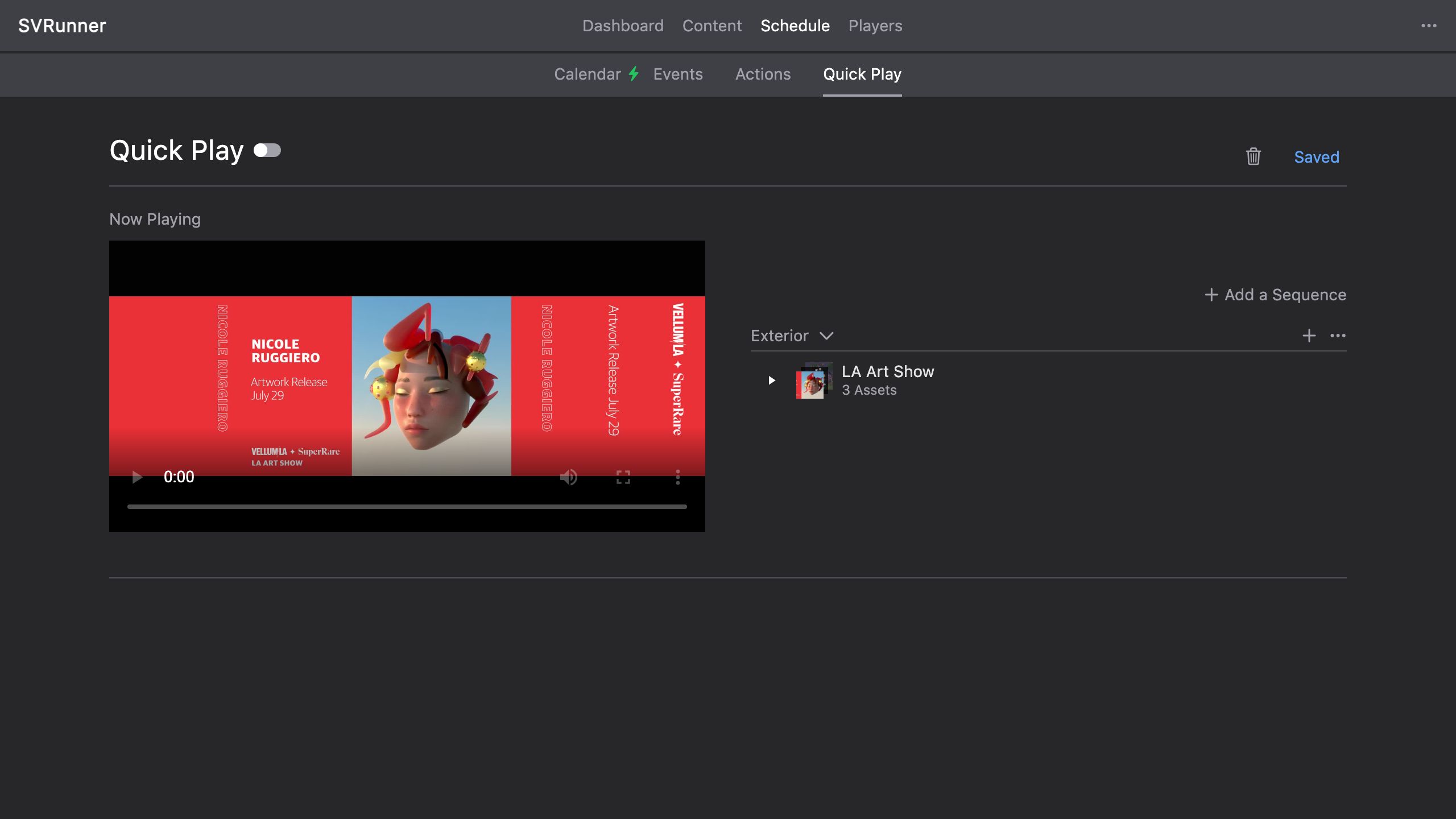 Quick Play View Example
Drag Assets or Asset Blocks into the sequence list for the desired screen. Assets will replay in the same order when the last asset is finished playing.
Toggle the slider in the top menu to enable or disable Quick Play. When disabled, SVR scheduled mode will resume.