Assets
Assets are image, video, and data files uploaded for playback on screens.
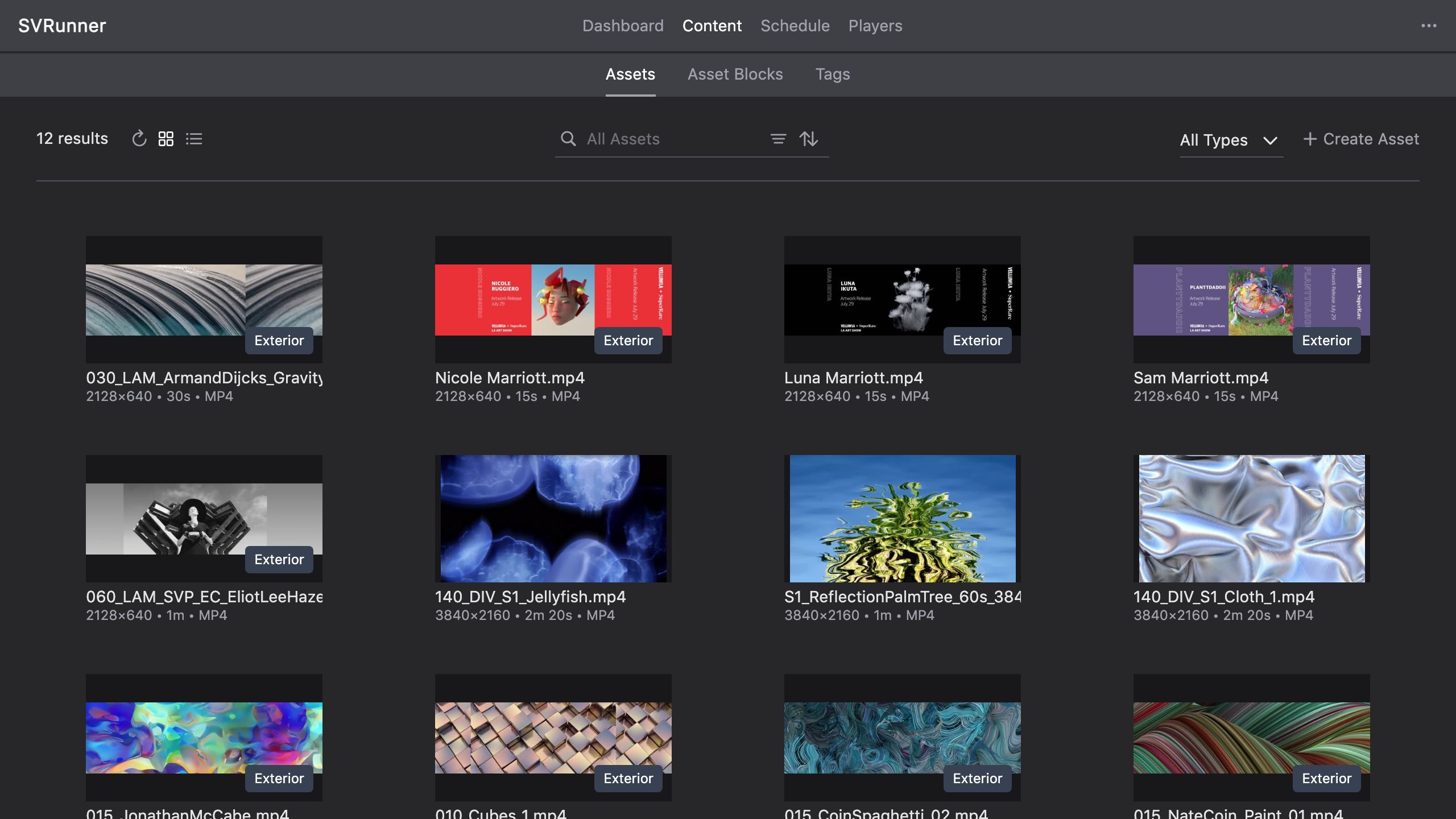 Asset List in grid view
SVR accepts most commonly used media file formats. Recommended file types are:
| Video Files | Image Files |
|---|---|
| HEVC (H.265), H.264 MP4 | JPEG, PNG |
To load new assets into SVR, click the Create Asset button in the list view menu. When prompted to select an asset type, select the type of asset you would like to create.
Newly created asset will appear in the assets list.

If uploading a media file, confirm the file type, resolution, and duration are accurate.
Depending on the network speed and file size, it may take a few minutes for the preview window to show the new asset.


Asset Sidebar
- Name: A human-readable label for the asset (Does not affect filename)
- Duration: The length in seconds an asset should play (Defaults to the length of the uploaded file)
- Tags: Add tags as necessary to help locate and reference the asset later.
- Info: Uploaded File specs (filename, resolution, duration, type, size)
If a shorter duration is used, the file will stop playback at the set duration.
If a longer duration is used, the file will loop until the set duration is achieved.
Extensions are used in SVR to associate custom data structures with assets.